We designed this guide to transform you from a novice into a confident aerial image creator. Our goal is to deliver actionable strategies that yield measurable visual impact. This isn’t about theory; it’s about practical intelligence from thousands of flight hours.
Aerial imaging represents a fundamental shift in visual content creation. It’s not a novelty; it’s a competitive advantage. The unique perspectives you gain are impossible with ground-based methods. The return on investment spans real estate, travel, commercial projects, and personal portfolio development.
We cut through the noise to give you data-backed frameworks. You’ll learn equipment selection, camera settings, composition techniques, and post-processing workflows. We compress your learning curve with the exact strategies that separate amateur snaps from portfolio-worthy imagery.
By the end, you’ll understand not just what to do, but why it matters. You will know how to plan flights strategically and create compelling visual stories that stand out. Let’s begin.
Key Takeaways
- This guide provides a direct path from beginner to confident aerial photographer.
- Aerial imaging offers a unique competitive advantage for various professional and personal applications.
- We focus on practical, data-backed strategies, not just theoretical concepts.
- You will learn critical elements like equipment selection, camera settings, and composition.
- The goal is to understand the strategic “why” behind the technical “how.”
- Mastering these skills helps create standout visual content in a crowded market.
Introduction to Drone Photography
We’re not discussing a simple hobby upgrade; this is a fundamental shift in creative capability. Modern technology has democratized aerial imaging, putting powerful tools in the hands of every serious creator.
The miniaturization of high-resolution cameras and advanced batteries makes this possible. You now get professional-grade results from a unit that fits in your backpack.
What Makes Drone Photography Unique?
This discipline fundamentally changes the visual equation. It provides access to angles that were once cost-prohibitive or physically impossible.
The unique value lies in altitude flexibility and precise control. You can hover at exact heights and capture multiple perspectives of the same scene within minutes. This iterative capability lets you refine compositions in real-time.
Overview of Aerial Imaging Benefits
The bird’s eye perspective reveals patterns and relationships invisible from the ground. Roads become leading lines; buildings create geometric shapes. This isn’t just aesthetically interesting—it’s strategically valuable.
For the solo creator, operational efficiency skyrockets. Drones eliminate logistical challenges of self-portraiture and scene documentation. You capture wide environmental portraits that tell richer stories.
This translates directly into more diverse content and reduced production time. The return on investment for any serious photographer is immediate and substantial.
Essential drone photography tips for Beginners
Systematic ground work eliminates mid-air chaos and maximizes flight efficiency. We focus on the foundational practices that deliver professional results from day one.
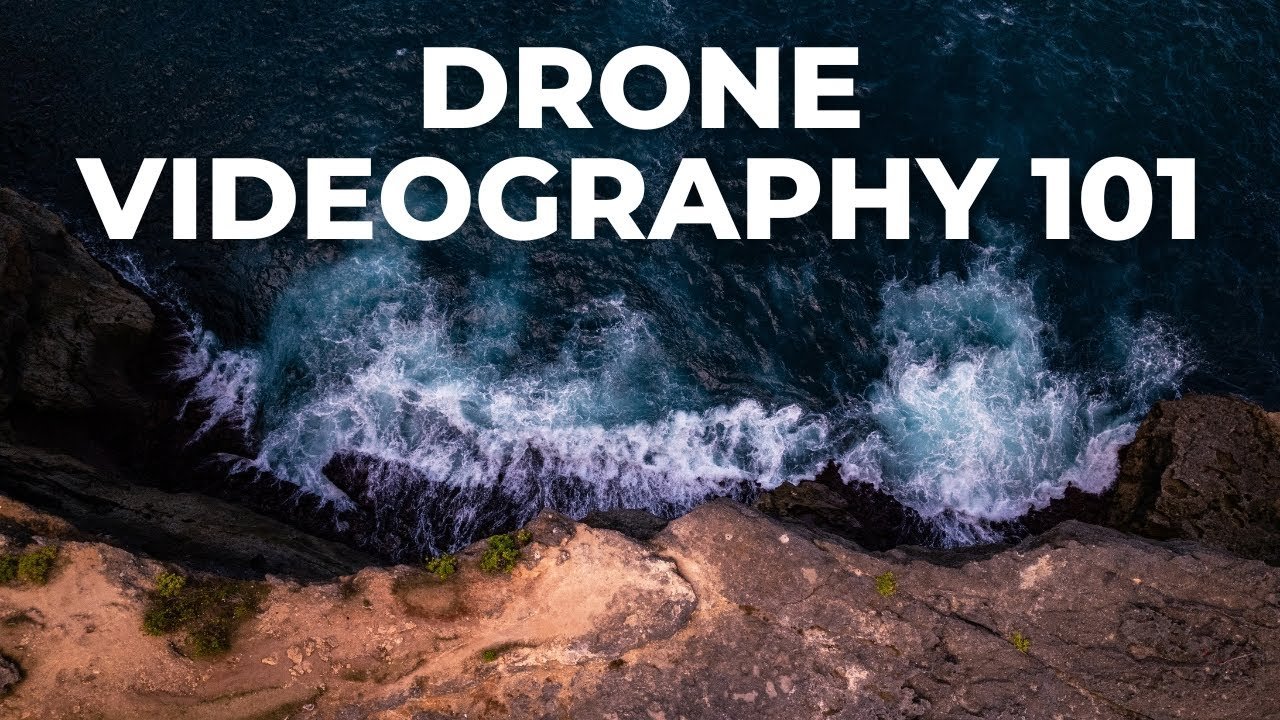
Understanding the basics means mastering your equipment before the propellers spin. This approach transforms your flight time from troubleshooting to creative execution.
Essential Pre-Flight Framework
Every minute spent configuring settings on the ground yields multiple minutes of productive capture time. We’ve observed beginners burn through entire batteries while fumbling with camera controls mid-air.
Your learning velocity depends on deliberate practice with immediate feedback. Shoot a sequence, land and review, then adjust your approach. This iterative process accelerates skill development dramatically.
The psychological barrier of operating expensive equipment often overshadows creative objectives. We build competence through systematic skill progression: start with basic hover exercises, then advance to complex compositions.
| Pre-Flight Element | Beginner Priority | Time Investment | Impact on Results |
|---|---|---|---|
| Camera Settings | High | 3-5 minutes | Eliminates post-processing issues |
| Composition Planning | Medium | 2-3 minutes | Improves shot selection efficiency |
| Safety Checks | Critical | 1-2 minutes | Prevents operational failures |
| Battery Management | High | 1 minute | Maximizes flight duration |
These evidence-based practices derive from professional workflows and common failure patterns. Master these fundamentals and you’ll outperform most casual operators.
Getting Started: Choosing the Right Drone and Camera
The market offers two distinct paths—integrated systems versus DIY setups—with measurable performance differences. We cut through the marketing noise to deliver data-backed equipment recommendations.
Built-in vs. Add-on Cameras
Most prosumer units now feature integrated camera systems for good reason. Built-in solutions deliver superior stabilization and seamless software integration.
While attaching a GoPro might seem economical, you sacrifice critical performance. Purpose-designed gimbals and optimized processing create tangible quality advantages.
Today’s minimum standard is 1080p HD resolution. The best drone choices feature integrated cameras that eliminate compatibility issues.
Battery Life and Flight Time Considerations
Battery endurance separates amateur frustration from professional productivity. Entry-level models offer 7-10 minutes—barely enough for basic operations.
Professional systems with LiPo batteries deliver 20-25 minutes of flight time. This difference transforms rushed sessions into deliberate creative work.
We recommend specific models based on real-world data. The Mavic Pro 2 delivers exceptional quality in a compact form. The Mavic Air Fly More Combo offers solid performance for budget-conscious beginners.
Invest in capability beyond your immediate needs. This strategy prevents expensive upgrades and supports long-term skill development.
Mastering Camera Settings for Stunning Aerial Shots
We prioritize camera intelligence because it’s the foundation of every compelling aerial capture. Your configuration choices determine whether you get disposable snapshots or portfolio-worthy masterpieces.
JPG+RAW and Exposure Settings
We recommend the JPG+RAW setting for maximum flexibility. This approach gives you immediately shareable JPG files plus uncompressed RAW data for advanced editing.
Set exposure to automatic—the camera’s algorithms excel in most conditions. Always use ISO 100 to minimize noise. Choose apertures between f/4 and f/5.6 for optimal sharpness.
Color Profiles and White Balance
Auto white balance delivers accurate results without manual adjustments. For color profiles, beginners should select Normal or TrueColor for vibrant, ready-to-use images.
Professional creators can explore D-Log profiles for maximum dynamic range. This flat profile preserves detail but requires post-processing expertise.
| Setting | Beginner Recommendation | Professional Option | Impact on Results |
|---|---|---|---|
| File Format | JPG+RAW | RAW only | Editing flexibility |
| Exposure | Auto | Manual | Creative control |
| White Balance | Auto | Custom | Color accuracy |
| Color Profile | Normal/TrueColor | D-Log | Dynamic range |
| ISO | 100 | 100 | Image quality |
These camera settings create a solid foundation for exceptional aerial imagery. They balance immediate usability with professional editing potential.
Framing and Composition Techniques
We shift from technical settings to visual intelligence. This framework transforms random captures into deliberate, compelling images. The difference lies in applying psychological principles that guide viewer attention.
Utilizing the Rule of Thirds
The Rule of Thirds isn’t arbitrary preference—it’s grounded in human vision. We position key elements along grid lines or intersections. This creates visual tension that holds attention longer than centered compositions.
Your primary subject belongs at intersection points, not dead center. This dynamic asymmetry engages viewers more effectively. Centered framing works for symmetrical scenes, but the rule of thirds delivers stronger results across most situations.
Using Grid Lines and Center Points
Enable your unit’s grid overlay and center point indicators before flight. These visual guides eliminate guesswork during framing. They provide real-time feedback for every shot you compose.
We actively scan for leading lines from our elevated perspective. Roads, rivers, and architectural elements become graphic guides. They direct viewer eyes through the frame toward your main subject.
Experiment with different placements for the same scene. Shoot your subject in various grid positions and compare results. This deliberate practice builds intuition for what works best.
Lighting and Exposure Strategies
The most sophisticated equipment fails without proper lighting strategy—this section delivers the exposure intelligence that elevates your results. We treat light as your primary creative tool, not a variable to overcome.
Natural illumination separates competent operators from skilled aerial artists. The golden hours—shortly after sunrise and before sunset—deliver warm, directional light that creates depth and texture.
Working with Natural Light
That bright beach day that feels perfect for flying often produces overexposed images. The glorious golden light reflecting off water overwhelms camera sensors. We schedule flights during transitional periods: early morning, late afternoon, or interesting weather conditions.
Fog creates magical effects while overcast skies provide diffused, manageable light. These scenarios allow your camera to capture full dynamic range without harsh shadows or blown highlights.
Backlighting creates dramatic silhouettes and long shadows that reveal topography. When flying toward the sun during golden hour, use your unit’s tap-to-expose function. Set exposure for your primary subject, then verify with the histogram.
The histogram provides objective exposure reference—more reliable than your controller screen. Activate both histogram display and zebra stripes before every flight. These tools offer real-time feedback on highlight clipping.
Shooting in RAW format provides substantial exposure recovery latitude during editing. You can lift underexposed shadows and pull down overexposed highlights effectively. This flexibility extends your usable dynamic range in high-contrast scenarios.
Optimizing Flight Conditions and Location Scouting
Success in the air is directly proportional to the intelligence gathered on the ground. We treat this planning phase as a strategic force multiplier, not an optional step.
Virtual reconnaissance eliminates wasted trips. Google Earth’s 3D function lets you scout a location from every angle before you visit. You can identify compositional elements and estimate the required altitude for your shot.
Researching Weather and No-Fly Zones
Weather monitoring is a continuous process. Check forecasts before you leave, upon arrival, and during your flight. Wind above 15-20 mph destabilizes your unit and drains batteries faster. Cold temperatures can reduce effective flight time by 30-40%.
Understanding airspace restrictions is crucial for efficiency and legality. Verify no-fly zones during your initial location scouting. This data prevents wasted journeys and potential legal issues.
Using Google Earth and Drone Apps
Purpose-built applications provide critical operational data. We recommend a few key tools for your planning workflow:
- PhotoPills: Its drone module combines sun positioning with field of view calculations.
- DroneMate: This app identifies drone-friendly countries for travel photographers.
- Drone Buddy: It maps no-fly zones in 20 countries and provides real-time wind conditions.
Using these tools ensures you arrive on the ground fully prepared to fly drone effectively and safely. This professional approach maximizes your productive capture time.
Advanced Techniques: HDR, Long Exposure, and ND Filters
Advanced capture techniques separate competent operators from true aerial artists by solving exposure limitations. High-contrast scenarios demand specialized approaches to preserve detail across the entire tonal range.
Choosing the Right HDR Option
HDR imaging addresses sensor limitations when brightness differences exceed dynamic range capabilities. We recommend two workflow options with distinct advantages.
The built-in HDR mode provides automatic bracketing and merging for quick results. Alternatively, AEB (Auto-Exposure Bracketing) mode captures multiple exposure levels for manual post-processing control.
Set your unit to manual mode and enable RAW capture for maximum flexibility. The AEB approach delivers superior quality through selective blending of highlight and shadow detail.
Effectively Using Neutral Density Filters
ND filters function as sunglasses for your camera, enabling creative long exposure effects in bright conditions. These filters reduce light transmission by specific stops.
An ND16 filter reduces light by four stops, transforming standard shooting into artistic long exposures. We recommend Polar Pro filters for their optical clarity and reliable performance.
With ISO at 100 and your ND filter mounted, adjust shutter speed until proper exposure appears. This technique creates ethereal water and cloud effects that distinguish your images from standard captures.
Post-Processing and Editing Your Aerial Images
Your aerial captures contain latent potential that post-processing unlocks through deliberate exposure optimization and color enhancement. We treat this phase as non-negotiable—the bridge between competent captures and exceptional final results.
Editing RAW Files for Maximum Detail
RAW files preserve complete sensor data, offering unprecedented editing flexibility. This format allows exposure adjustments of several stops without quality degradation.
You recover highlight and shadow detail that compressed formats lose. The editing latitude transforms challenging captures into balanced, professional-grade photos.
Software Tools for Photo Enhancement
Adobe Lightroom remains our primary recommendation for systematic workflow management. Its non-destructive editing preserves original file quality while enabling batch processing efficiency.
We follow a structured sequence: import RAW files, apply lens corrections, adjust global exposure, then refine local details. This approach ensures consistency across your image library.
| Editing Approach | Beginner Focus | Professional Method | Quality Impact |
|---|---|---|---|
| File Format | JPG+RAW combination | RAW exclusive | Maximum detail preservation |
| Workflow | Basic exposure correction | Advanced color grading | Professional polish |
| Tool Selection | Auto adjustments | Manual precision control | Creative customization |
| Output Quality | Social media ready | Portfolio standard | Commercial viability |
This systematic post-processing framework transforms raw aerial data into compelling visual narratives. The investment in editing skills delivers measurable returns in final image quality.
Safety, Legal Considerations, and Pre-Flight Checks
Operational safety and legal compliance form the bedrock of sustainable aerial imaging. We treat these elements as core competencies, not suggestions. Violations carry real consequences—fines, confiscation, and criminal penalties.
Professional operators integrate this knowledge from the planning stage. Amateurs often discover regulations after costly mistakes occur.
Understanding Local Drone Laws
International travel requires specific legal research. Some countries prohibit bringing a unit into the country, even during a stopover. Egypt, Cuba, and Morocco are examples.
Tools like the DroneMate app provide crucial data before you book travel. This prevents detention at customs and permanent equipment loss.
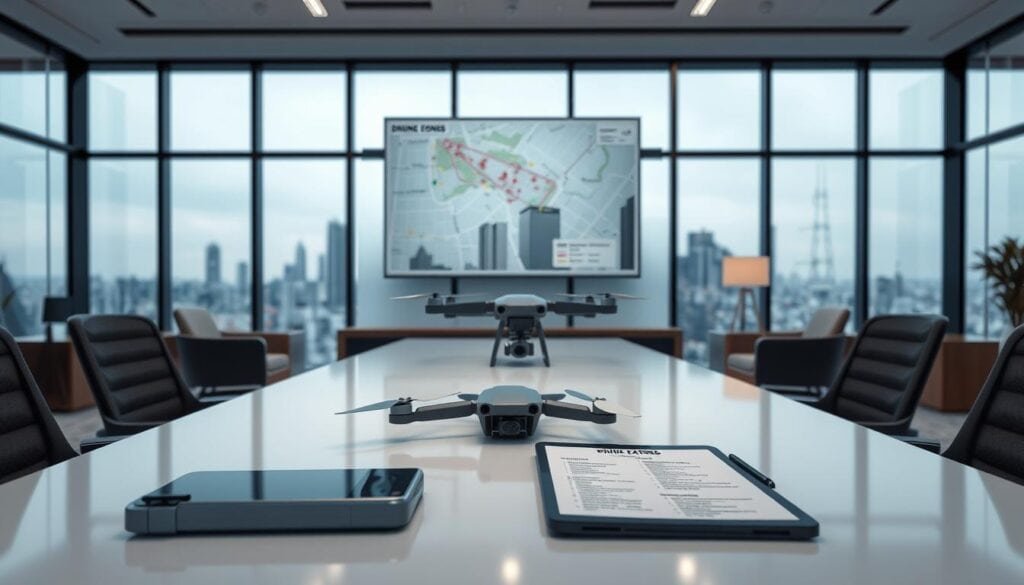
In the United States, FAA regulations are clear. Registration is required for units over 0.55 pounds. The altitude limit is 400 feet above ground level.
Flights near airports and over people are restricted. Recreational pilots must pass the TRUST test. Commercial operations require Part 107 certification.
Essential Pre-Flight Safety Tips
A systematic pre-flight checklist prevents most operational incidents. This process takes just 3-5 minutes but dramatically reduces risk.
We verify battery levels, inspect propellers, and confirm GPS signal acquisition. Checking the gimbal and return-to-home settings is also critical.
Weather demands careful evaluation. Never fly in rain or snow; moisture damages electronics. High winds increase crash risk and drain batteries faster.
Interesting conditions like fog can create amazing shots. However, we always maintain conservative safety margins. The desire for a great image should never override judgment.
| Checklist Item | Action Required | Time Needed | Risk Mitigated |
|---|---|---|---|
| Battery & Propellers | Verify charge; inspect for damage | 1 minute | In-flight power loss |
| GPS & Return-to-Home | Confirm signal; set altitude | 1 minute | Navigation failure |
| Gimbal & Camera | Check movement; lens clean | 1 minute | Blurry or unusable footage |
| Airspace & Weather | Verify authorization; assess wind | 2 minutes | Legal issues; crash risk |
Leveraging Drone Photography for Travel and Unique Perspectives
When conventional tourist shots saturate the market, strategic aerial imaging becomes your most valuable creative asset. Travel content demands visual differentiation that ground-based approaches cannot deliver.
Travel-Friendly Drone Gear Recommendations
The Mavic Pro 2 hits the optimal balance between portability and image quality. This compact unit fits in any backpack while delivering professional results.
For budget-conscious creators, the Mavic Air Fly More Combo provides solid performance. Polarizing filters are essential for cutting glare and enhancing color saturation.
Experimenting with Angles and Aspect Ratios
Panorama modes expand your creative options significantly. Vertical panoramas solve the landscape-only limitation of fixed gimbals.
Don’t default to maximum altitude or straight-down overhead shots. Experiment with lower heights and varied distances from subjects.
Tilt the gimbal to capture oblique angles that maintain horizon lines. This approach creates compelling visual stories rather than simple documentation.
For comprehensive guidance on mastering these techniques, explore our drone photography resource.
Conclusion
Your progression from novice to confident aerial artist hinges on applying systematic frameworks rather than random experimentation. We’ve delivered evidence-based practices that transform uncertainty into measurable results.
The investment extends beyond equipment to strategic workflows that compound returns. Better planning yields superior captures, requiring less corrective editing and freeing creative capacity.
Remember that skills develop through deliberate practice with immediate feedback. Analyze your work objectively and target specific improvements in each session.
Your journey begins with the first well-planned flight. Apply the settings and frameworks we’ve outlined, respect operational requirements, and commit to the discipline that unlocks your images’ full potential.
FAQ
What is the single most important piece of advice for a beginner?
We advise beginners to master the fundamentals before chasing complex shots. Focus on stable flight control, basic camera settings, and simple composition. A sharp, well-exposed image from a standard angle beats a blurry, poorly lit attempt at an advanced maneuver every time.
Should I always shoot in RAW format with my drone’s camera?
Absolutely. We insist on shooting RAW+JPG. RAW files preserve maximum image data, giving you far greater control in post-processing to recover details from shadows and highlights. The JPG provides a quick preview, but the RAW file is your true asset for quality results.
How do I avoid blurry aerial images?
Blur is often a combination of camera shake and incorrect settings. Ensure you fly in calm conditions, use a fast shutter speed (a good rule is 1/2x the focal length), and enable your drone’s grid lines to aid composition and stability. Proper exposure settings are non-negotiable for sharpness.
What time of day is best for capturing aerial shots?
The “golden hours”—shortly after sunrise and before sunset—provide the best natural lighting. The sun’s low angle creates long, soft shadows and warm tones that add depth and dimension to your landscape, dramatically improving the final image quality compared to harsh midday light.
Are ND filters necessary for drone photography?
For professional results, yes. Neutral Density filters are essential tools, not accessories. They allow you to control exposure by reducing the amount of light entering the lens, enabling you to use optimal shutter speeds and apertures even in bright conditions, which is critical for video and creative stills.
What legal considerations should I be aware of before I fly?
A> Always research local regulations before any flight. This includes understanding no-fly zones, altitude restrictions, and registration requirements. Use official apps from aviation authorities to check airspace data. Ignorance of the law is not an excuse and can lead to significant penalties.
How can I improve my composition from an aerial view?
A> Activate the rule of thirds grid on your live view screen. This simple tool helps you position key elements, like horizon lines or a primary subject, to create a more balanced and engaging frame. Look for leading lines and patterns on the ground that are only visible from above.