Business travel demands strategic investments, not a bag full of redundant devices. We cut through the noise to identify what truly delivers value on the road.
Prepared travelers reduce friction: for example, the TSA allows most power banks up to 100Wh in carry-on luggage, which helps avoid confiscation at security (source: TSA). Use that allowance wisely by choosing a few high-impact items that balance portability, durability, and function.
This detailed list emphasizes practical gear that keeps you productive without weighing down your bag. Expect clear recommendations for power, adapters, audio, and organizers so you can pack smarter and spend less time troubleshooting on the road.
Overview: Must-Have Tech Gadgets for Business Travel
The right selection of devices and accessories turns travel from a logistical hassle into reliable, productive work time. This article highlights practical gear you should *use* to save space, reduce downtime, and keep critical systems running.
Many professionals rely on mobile devices for core work: a 2021 Pew Research Center survey found that a large share of workers use smartphones or tablets for job tasks when away from the office (source: Pew Research Center). That trend makes compact power and connectivity essentials for modern business travel.
Why Technology Is Essential on the Road
Connectivity failures cost more than minutes; they interrupt meetings and can harm client relationships. Modern expectations for availability are higher, so plan for unstable hotel Wi‑Fi and inconsistent venue infrastructure by building redundancy into your mobile setup.
Quick practical step: check your airline and TSA carry‑on rules before you pack (see TSA guidance on batteries and electronics) so your chargers and power bank travel legally and avoid delays.
Innovative Tools to Streamline Your Trip
This list focuses on categories that matter: power solutions, adapters and chargers, audio for calls, organizers and bags, and a short section on pro gear for content creators. Expect product winners and concise buyer checks so you can pack exactly what you need.
Smaller tablets and efficient cloud workflows now let many people replace bulky setups; when you need full processing power, pick a laptop that balances speed with weight. Later sections explain how to choose between those options and which accessories make each setup work on the road.
Unpacking the Benefits of Travel Tech Accessories
Small accessories often produce outsized gains on the road: a tidy system keeps devices charged, protected, and ready so you spend less time troubleshooting and more time working.
Organizational improvements can add measurable minutes back to your day. For example, research on workplace interruptions shows even short delays compound into lost productivity over a week (source: American Psychological Association). In practice, consolidating cables and chargers into one pouch can save several minutes each time you set up or pack away.
Protection accessories—padded sleeves, splash-resistant pouches, and hard-shell cases—prevent single failures from derailing a trip. Likewise, a single multi-port charger often replaces multiple single-output bricks, freeing valuable space in your luggage.
The best accessories make your setup replicate quickly: same ports, same layout, same power routine wherever you work.
Quick organizer checklist:
- One electronics pouch with labeled pockets for cables, adapters, and SD cards.
- A compact multi-port charger in a dedicated slot to prevent tangles.
- A small hard case for fragile items (SSD, earbuds, dongles).
Audit your kit now: before your next trip, empty your pouch and ask which items you actually used last month. Removing unused gear saves weight and reduces packing time.
High-Performance Power Banks and Portable Chargers
A dead device can derail a meeting or strand you between connections. Focus on two attributes: usable capacity and charge speed, then add redundancy so one failure doesn’t stop your day.
Power Banks for All-Day Connectivity
Capacity determines how long you can stay independent of outlets; charging speed determines how quickly you recover between meetings. For example, USB-C Power Delivery (PD) chargers in the 30–65W range can refuel many laptops and phones much faster than legacy chargers (see USB-IF PD specs).
| Model | Capacity | Key Features | Best Use Case | |||
| SABANI 35000mAh | Ultra High | 4 USB ports, dual input | Extended trips, multiple devices |
| Anker Nano 10,000mAh | High | Integrated cable, fast charging | Full-day coverage |
| Anker Nano 5,000mAh | Compact | Built-in connector | Emergency backup |
| TravelCard Plus | Minimal | Credit card size, built-in cables | Minimalist carry |
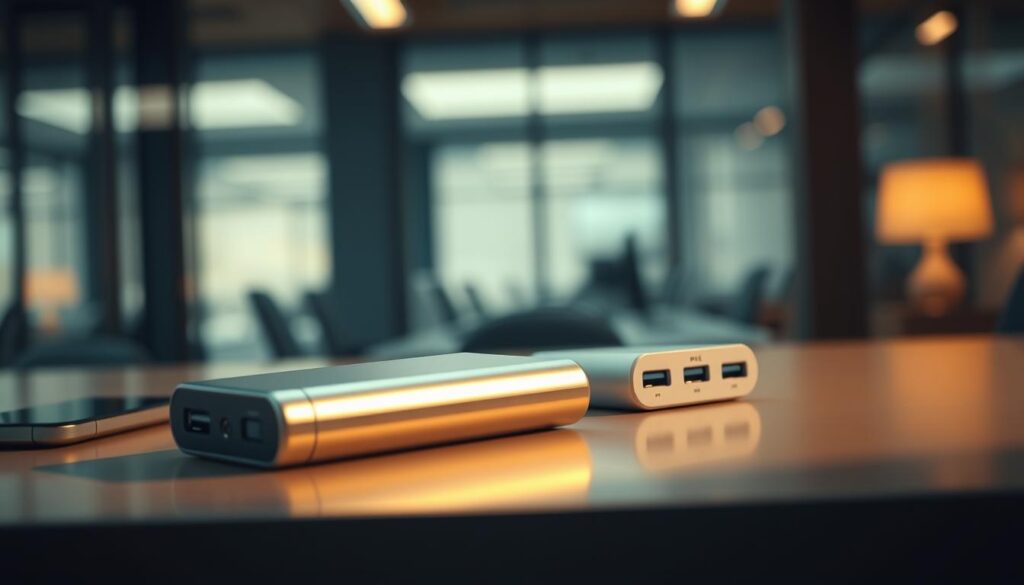
Practical rule: choose a mid-size unit (10,000–20,000mAh) for day trips and a high-capacity unit (>20,000mAh) for multi-day travel or team charging. Many quality USB-C PD power banks can restore roughly half a phone or laptop battery in about 30 minutes depending on device specs; check manufacturer charging curves for exact numbers.
Carry two units: a compact pocket backup and a higher-capacity charger for multi-device days.
Multiple output ports turn a single power bank into a portable charging station for your phone, tablet, and earbuds. Always verify airline rules: the TSA allows most passenger power banks up to 100Wh in carry-on bags (source: TSA), while larger batteries may require airline approval.
Buyer checklist:
- Check watt‑hours (Wh) to ensure airline compliance.
- Prefer USB-C PD for faster charging—confirm device and bank PD wattage match.
- Pack one compact unit in your pocket and a higher-capacity bank in your bag for redundancy.
Tablet, Laptop, and Audio Essentials for Business Travelers
The core choice for a mobile office is simple: pick the device that matches your workload and packing limits. Tablets handle most email, video calls, and note-taking; laptops remain necessary when you need sustained processing power or specialized software.
For context, the Samsung Galaxy Tab A 10.1 lists a 10.1-inch Full HD display and manufacturer-stated battery life suitable for all-day use on light tasks (verify current specs on the product page). Use those figures as a baseline when comparing screens and runtime across devices.
Tablet Accessories That Double as Mobile Offices
A few accessories convert a tablet into a legitimate workstation: a protective case with a stand, a compact Bluetooth keyboard, and a small mouse or trackpad. The right case protects your screen in transit and provides stable viewing angles for video calls and typing.
Accessories to consider:
- Protective case with multi-angle stand for stable setups.
- Compact Bluetooth keyboard for laptop-style typing without the weight.
- Small foldable mouse or trackpad for precision tasks when needed.
Integrating Laptops with Audio Solutions
If your work requires heavy multitasking (multiple VMs, compiling code, or large spreadsheets), choose a lightweight laptop that balances performance and weight. For most remote meetings, a good microphone and headset improve clarity more than any single laptop upgrade.
Practical tips: use your phone as a secondary screen for chat or reference material, and favor headsets with clear microphones for client calls. Touch ID or biometric keyboards reduce login friction—over many smaller logins this can save minutes across a workday.
Two-step decision checklist:
- If you need sustained processing or specialized apps, pick a laptop.
- If your work is mainly documents, email, and video calls, choose a tablet plus keyboard and compact audio gear.
Noise-Cancelling Headphones and Audio Gear
Good audio is a productivity tool: it reduces distractions in transit and creates a reliable environment for calls and focused work.
The Sony WH-1000XM4 is a common recommendation for focus—Sony lists up to 30 hours of battery life and adaptive noise cancellation that performs well in busy environments (source: Sony). For short turnarounds, quick-charge capability (minutes of charge for hours of playback) removes anxiety about battery life—check the product spec for exact figures for a given model.
True wireless earbuds like the AirPods Pro win on portability and convenience; Apple documents their active noise cancellation and transparency mode, making them a strong pick when space and weight matter (source: Apple). However, over-ear models usually deliver better sustained noise suppression and comfort during long flights.
Clear audio and reliable microphones improve perceived professionalism on calls—prioritize a headset or earbuds with a proven mic if client calls are a core part of your day.
Quick comparison — clear winners by category:
- Best for concentration (over-ear): Sony WH-1000XM4 — winner for active noise cancellation and battery life.
- Best for portability (in-ear): AirPods Pro — winner for pocketable convenience and quick access.
Practical tips: carry the over-ear option when you have space for long flights and pick in-ears for day trips. Always verify microphone performance on a short test call before important meetings.
Travel Adapters and Charging Solutions
Power compatibility is one of the simplest trip-enders. Pack the right adapters and a strong multi-port charger and you turn scarce hotel outlets into a reliable charging hub.
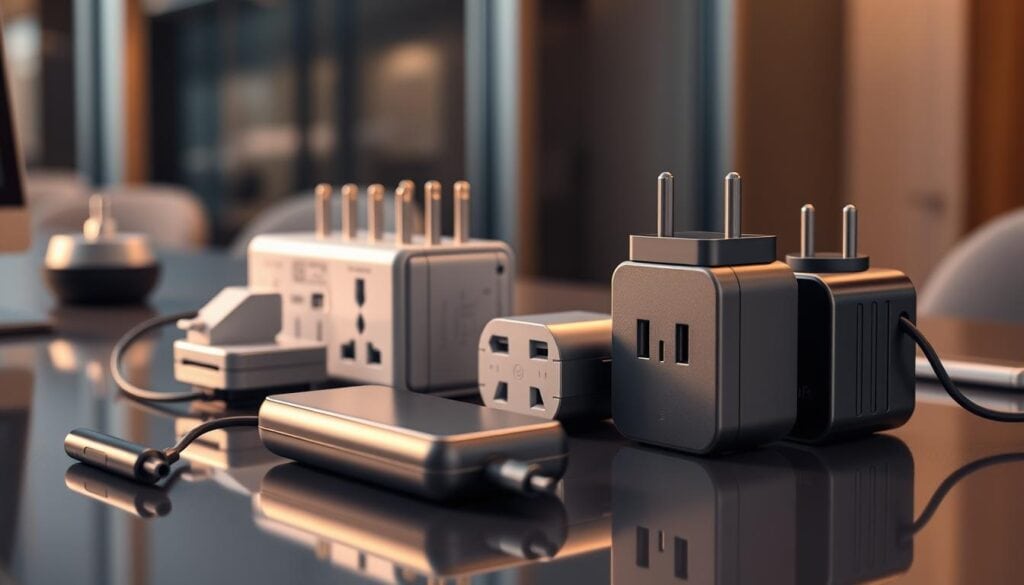
Adapter Options for Global Coverage
Universal adapters that cover US, EU, UK, and AU plugs remove the guesswork when your itinerary changes. Check manufacturer specs—many units advertise coverage for 150+ countries, but confirm the exact plug sets before you buy.
Look for models that combine an outlet with multiple USB ports so you don’t block neighboring sockets; smart ports that detect device needs speed up charging and reduce heat.
Advantages of USB-C and Multi-Port Chargers
We recommend using USB-C where possible: USB Power Delivery (PD) provides faster, standardized charging across phones and laptops (see USB-IF PD specifications). A compact 65W USB-C charger gives real-world speed benefits—for example, many 45–65W PD chargers can bring modern laptops and phones to partial charge quickly between meetings.
Multi-port chargers solve the “adapter chain” problem by handling a laptop plus phones and accessories simultaneously. Foldable plugs and compact designs cut packed bulk and protect prongs during travel.
Pack one universal adapter plus a small region-specific plug for backup—redundancy here prevents avoidable delays.
Clear recommendation: for speed and versatility, a 65W multi-port USB-C charger (winner: UGREEN 65W or similar reputable brand) is the best single charging purchase for most business travelers. Pair it with a compact universal adapter to cover local sockets and preserve outlet space in tight hotel rooms.
Smart Luggage Trackers for Stress-Free Trips
Lost luggage turns a business trip into a logistics headache. A small tracker gives you location visibility and faster recovery — often saving hours and replacing guesswork with actionable info.
Pick a tracker that matches your smartphone ecosystem: platform-specific devices tap larger background networks, while cross-platform options trade reach for universality.
Samsung Galaxy SmartTag2 Highlights
For Android-first travelers, the Samsung Galaxy SmartTag2 is notable: Samsung states the tag can achieve long battery life (up to about 500 days depending on usage) and an IP67 rating for water and dust resistance (source: Samsung product page). That long battery life reduces maintenance and keeps a tracker working through many trips.
Apple AirTag vs. Tile Pro: A Comparison
Network mechanics matter. Apple’s AirTag uses the Find My network — a large, automatic crowd-sourced system tied to Apple devices — which gives it broad passive coverage in many regions (see Apple Find My info). Tile Pro is cross-platform but relies on an opt-in network (Life360/Tile users), which can mean coverage gaps depending on location and user density.
| Tracker | Best For | Network Type | Key Advantage | |||
| Samsung SmartTag2 | Android users | Samsung device network | Very long battery life, IP67 rating |
| Apple AirTag | iPhone users | Find My network (automatic) | Largest passive network coverage |
| Tile Pro | Cross-platform | Tile/Life360 (opt-in) | Works with iOS and Android |
Practical ROI: a <$40 tracker can save you far more than its cost when bags are delayed or misrouted. Use multiple trackers for redundancy — place one in checked luggage and one in your carry-on or laptop case to cover different failure modes.
Winners by category: iPhone users: Apple AirTag (network reach). Android users: Samsung SmartTag2 (battery life). Cross-platform: Tile Pro (compatibility, but check network opt-in limits).
Efficient Electronics Organizers and Travel Bags
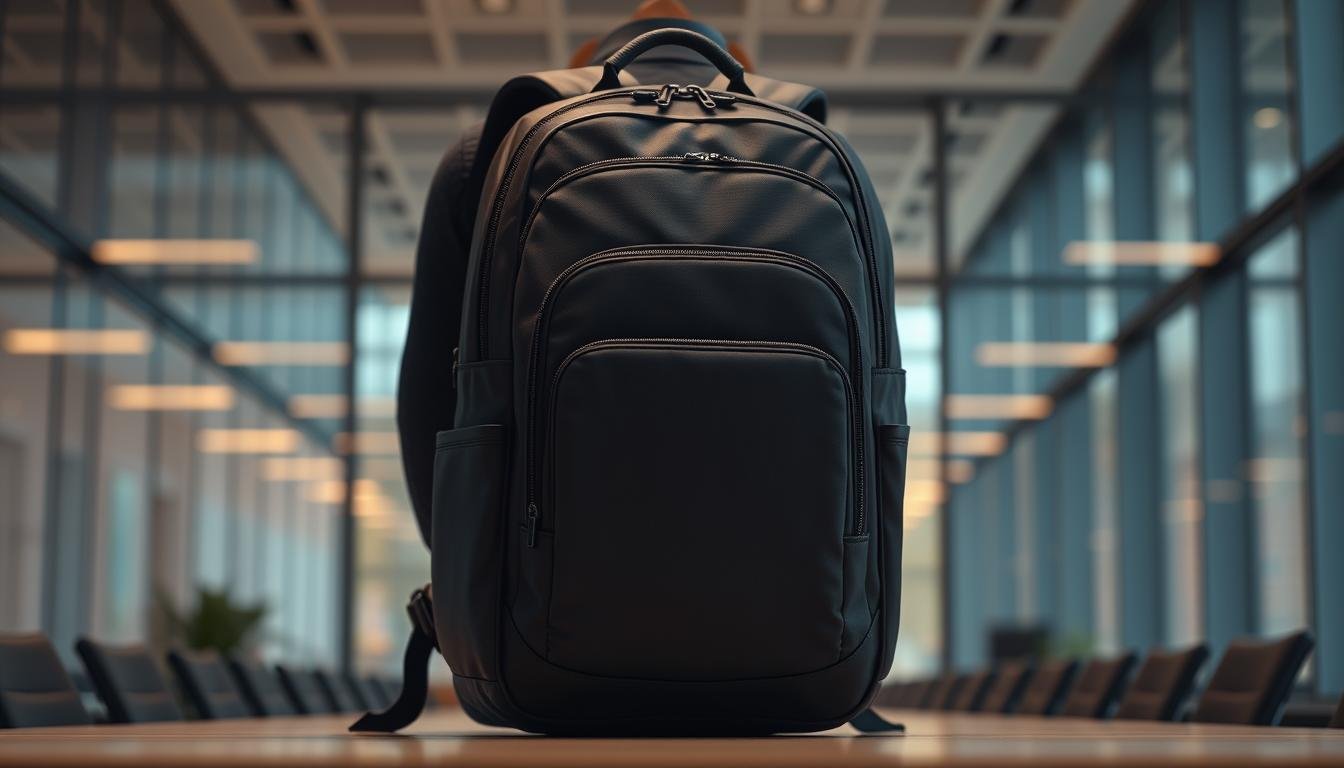
Organizational systems are core infrastructure for mobile productivity. The right bag and pouch mean you can find chargers, adapters, and spare cables in seconds instead of digging through clutter.
Small investments in organization can save measurable time: workplace distraction research shows short interruptions compound into lost productivity across a week (source: American Psychological Association), so a tidy kit matters.
Dedicated electronics organizers beat generic pockets because they separate power banks, dongles, and memory cards. Look for splash-resistant fabric and varied pocket sizes to protect electronics and keep everything accessible.
Quick packing checklist:
- One electronics pouch with labeled pockets for cables, adapters, and SD cards.
- A dedicated slot for a multi-port charger to avoid tangles.
- A small hard case for fragile items (external SSD, dongles, earbuds).
Recommended winner (value): a medium-sized electronics pouch with mixed pockets and water-resistant material—offers the best balance of protection and space.
HDMI Cables and Media Streaming Accessories
A short HDMI cable is one of the most versatile, low-cost tools for business travel: it lets you mirror presentations on hotel or conference-room screens and use a larger display for evening downtime.
Ensuring Seamless Connectivity on the Go
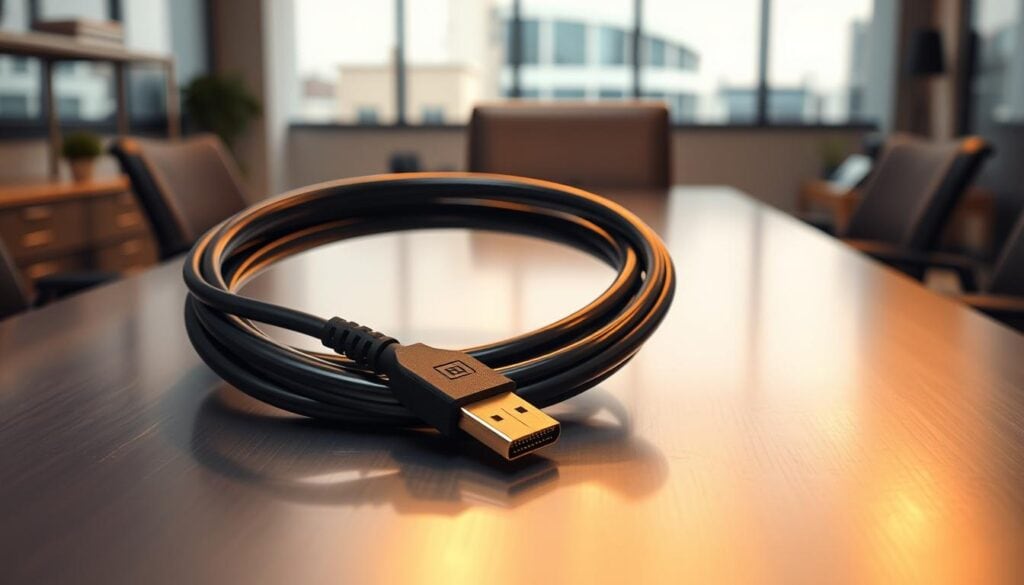
Short 3–4 foot HDMI cables are ideal for typical hotel and conference-room setups: they pack easily and give enough reach for a laptop-to-TV connection without excess tangling. Choose a well-made cable with gold-plated connectors from a reputable brand to avoid signal issues (see manufacturer specs for HDMI version compatibility).
Dual use: a single cable supports presentations and streaming, turning downtime into productive relaxation or enabling quick format checks before client meetings.
One reliable cable connects to hotel TVs, client systems, and conference-room displays—universal compatibility from a single inexpensive tool.
Packing tip: store HDMI and display adapters in the same pocket as your charging cable so setup is a one-reach action. Winner recommendation: a 4-foot gold-plated HDMI cable from a reputable brand for consistent performance and compact packing.
Gadgets to Enhance On-the-Go Work Productivity
Peripheral choices determine whether a temporary workspace is usable or a pain point. The right mouse, keyboard, and stand reduce strain and make spreadsheets, editing, and long calls realistic while traveling.
Bluetooth Keyboard and Mouse Integration
For precision tasks, a proper mouse beats a trackpad; for typing, a compact Bluetooth keyboard restores speed without lugging a full setup. The Logitech MX Master 3S is widely recommended for precision work due to its customizable controls and ergonomic shape (winner for precision). For Mac users who value biometric logins, the Apple Magic Keyboard adds Touch ID convenience (winner for Mac ecosystem integration).
| Device | Best For | Key Feature | Portability |
| Logitech MX Master 3S | Precision Work | Customizable buttons | Medium |
| Apple Magic Keyboard | Mac users | Touch ID integration | High |
| Logitech K380 | Cross-platform | Multi-device pairing | High |
Laptop stands fix the ergonomic problem of hunching: elevating the screen to eye level prevents neck pain. A compact foldable stand fits easily in a pocket or laptop compartment and makes long work sessions comfortable.
Modular packing approach: for short trips, carry a keyboard or a small mouse; for medium trips, add a stand; for extended stays, bring the full ergonomic kit.
Compact Charging Solutions for Quick Power Boosts
Modern compact chargers deliver both speed and portability. A 65W USB-C charger powers many laptops and phones fast enough to recover significant battery during short breaks; that’s why a 65W multi-port unit is the top pick for most business travelers (winner for charging: UGREEN 65W or similar reputable brand).
Dual-port chargers let you top up a laptop and a phone at once during tight transitions between meetings. For emergencies, a pocket-sized 5,000mAh unit with built-in cable covers essential phone use without extra accessories.
| Solution | Power Output | Key Advantage | Best Use Case |
| UGREEN 65W Charger | 65W total | 2x USB-C + 1 USB-A ports | Laptop + phone charging |
| Dual USB-C Wall Charger | 20W per port | Foldable plug design | Day-pack emergency power |
| Anker Nano 5,000mAh | Built-in cable | No accessory dependency | Pocket emergency backup |
| BESHON Power Strip | 3 outlets + 3 USB | Outlet multiplication | Extended hotel stays |
Practical tip: prioritize wattage and PD compatibility over brand names—verify device PD acceptance to match charger output. Power strips are useful for long team stays but are bulky; reserve them for extended hotel time.
Multi-Functional Accessories for Minimalist Packing
Multi-functional items that fold or collapse reclaim precious space. Examples: a collapsible water bottle, compact toiletry containers, and a slim Field Notes-style notebook for quick notes without waking devices.
Collapsible designs often cut occupied volume significantly, and small accessories like a slim mount for phone navigation solve multiple problems without weight penalties.
| Accessory | Primary Function | Space-Saving Design | Key Advantage |
| Vapur Bottle | Hydration | Collapsible | Eliminates empty space |
| Arthaxi Brush | Grooming | Folding with mirror | Pocket-sized professionalism |
| Lamicall Mount | Navigation | Minimal form factor | Solves rental car frustration |
| Field Notes Book | Note-taking | 3.5″ x 5.5″ size | Device-independent reliability |
Pro tools for content creators
If your work includes recording or streaming, small pro tools matter. The DJI Mic 2 offers advanced wireless audio with 32-bit float recording and extended range—check the manufacturer’s specs for exact performance (source: DJI). Quality lighting like a compact RGB panel improves perceived professionalism on video calls.
| Equipment | Primary Function | Key Advantage | Best For |
| DJI Mic 2 | Wireless audio | High dynamic range recording | Interviews, presentations |
| NEEWER LED Light | Content lighting | Phone clip design | Selfie videos, calls |
| SanDisk Ultra Fit | File transfer | Tiny form factor | Presentation backup |
| Syntech USB Adapter | Connectivity | USB-C to USB conversion | Legacy device charging |
Specialized gear is only worth the complexity when the improved audio, lighting, or camera quality directly supports business outcomes—presentations, interviews, or content that helps you win work.
Conclusion
Start with the basics: a reliable power bank and a 65W multi-port USB-C charger paired with a compact universal adapter. Add a quality headset and an electronics organizer, then only add pro audio or lighting when your work demands it.
Choose gear that matches your actual trips, and audit your kit after each journey to remove unused items—this keeps your bag light and your setup predictable.