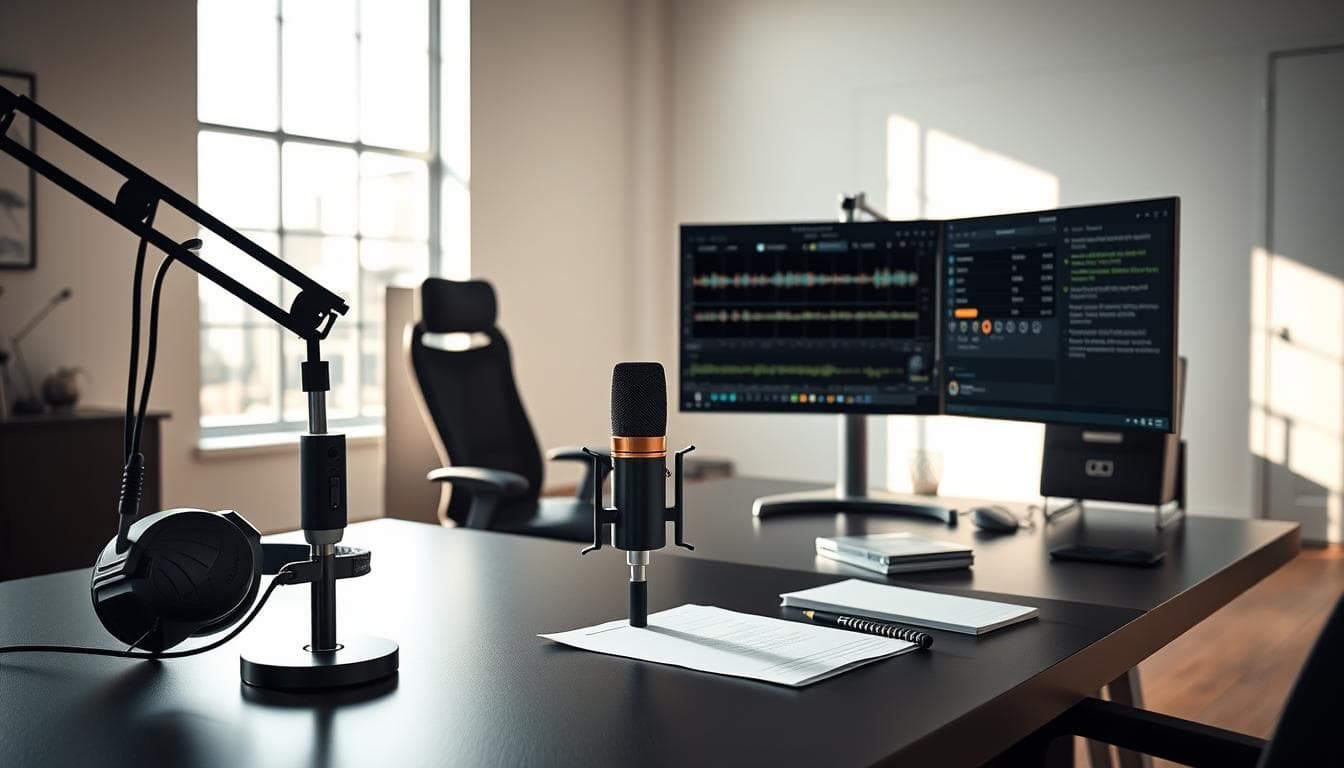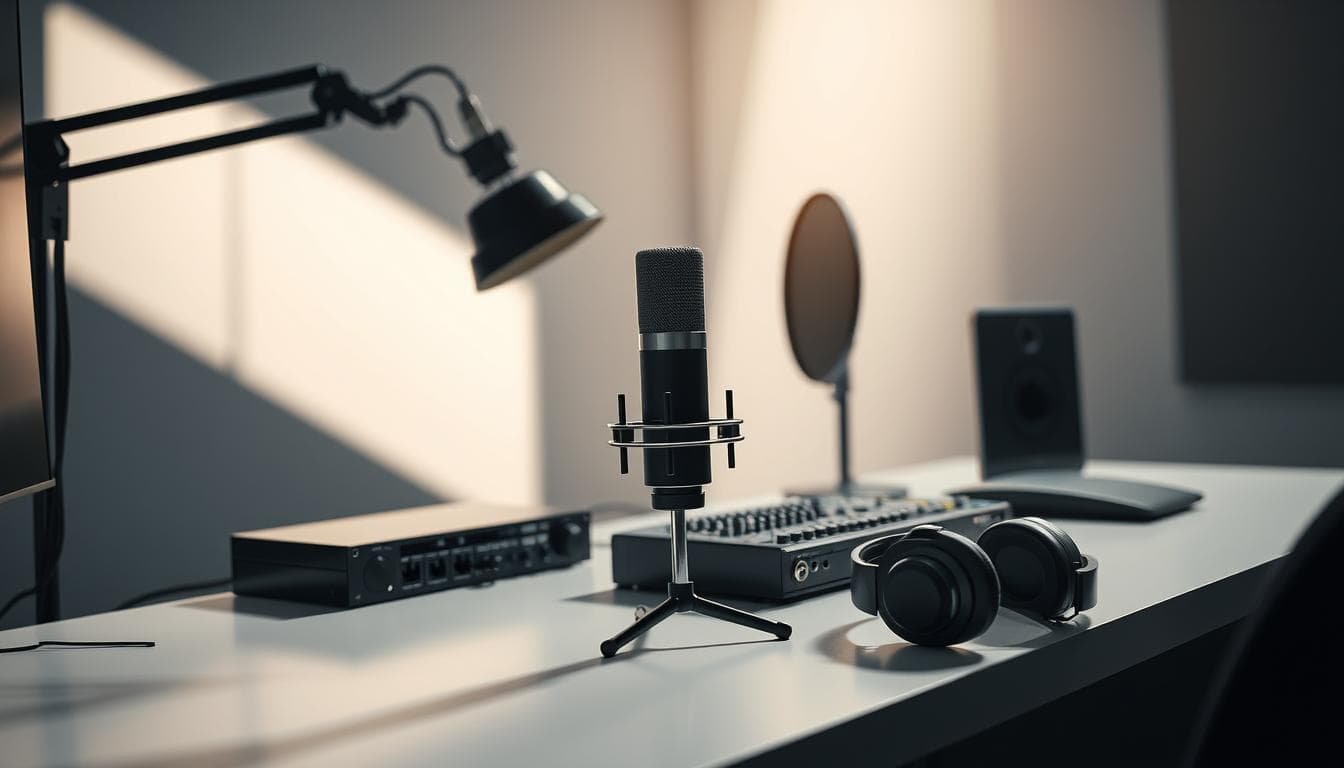
Let’s cut through the noise. Success in this field isn’t about owning the most expensive microphone. It’s about performance first, strategic gear choices second. We challenge the myth that high price tags guarantee quality results.
The landscape has transformed dramatically. What cost thousands a decade ago now delivers professional results at a fraction of the price. This accessibility opens doors for serious talent ready to build their careers.
We guide you through essential tools voice actors actually need. Forget the “nice-to-haves” that drain budgets without improving your recording quality. Our framework scales with your career: start with fundamentals that deliver results.
Expect direct answers on what works and what doesn’t. Throwing money at gear won’t fix poor performance or inadequate acoustic treatment. Your choices today should support consistent, professional output without becoming barriers to booking work.
Key Takeaways
- Performance matters more than expensive gear
- Professional quality is now accessible at lower prices
- Focus on essential tools that deliver real results
- Strategic upgrades should follow business growth
- Proper acoustic treatment often outweighs equipment costs
- Your setup should support consistent, professional output
- Budget wisely—avoid unnecessary “nice-to-have” items
Introduction to Voice Acting and Equipment Essentials
We begin with an undeniable principle: your skill outweighs any hardware. No microphone or acoustic treatment can fix weak performances. Talent and training form the foundation; tools simply support what you bring to each session.
The recording landscape has transformed dramatically. Professional-grade technology is now accessible at reasonable prices. Talented individuals can build legitimate home setups that meet broadcast standards.
Strategic gear selection focuses on capturing clean, neutral audio. Engineers need workable recordings, not mythical “perfect” sounds from marketing materials. Your initial investment should prioritize consistency over impressive specifications.
The entire studio ecosystem works as a connected system. Weakness in any component undermines your recording chain. Starting with quality fundamentals and upgrading strategically delivers better financial outcomes than premature expensive purchases.
Understanding Voice Over Equipment
Your microphone choice reveals more about your recording space than your budget. We prioritize condenser models with cardioid pickup patterns for vocal work. This heart-shaped pattern captures what’s directly in front while rejecting unwanted room reflections.
Some microphones offer switchable patterns. Omni-directional capture works against clean vocal recording. The cardioid pattern’s directional focus provides the isolation needed for professional results.
The sensitivity that makes condenser microphones excellent for capturing nuance has a trade-off. These tools expose every acoustic flaw in your space. There’s no hiding poor room treatment behind expensive gear.
The microphone never lies—it simply reports what’s happening in your environment.
Understanding your signal chain—from microphone to interface to computer—delivers real ROI. This knowledge helps you diagnose problems and make informed upgrades. Focus on actual bottlenecks rather than marketing hype.
| Pickup Pattern | Best Application | Voiceover Suitability |
|---|---|---|
| Cardioid | Single vocalist recording | Excellent – isolates direct sound |
| Omnidirectional | Room ambiance capture | Poor – picks up all room noise |
| Figure-8 | Interview settings | Fair – captures front and back equally |
We reject the multiple-microphone approach for beginners. One quality condenser that suits your vocal characteristics outperforms a collection of mediocre options. Your entire system—including cables and interface preamps—determines what clients actually hear.
Investing time to understand how audio equipment functions pays dividends. You’ll troubleshoot effectively and know when upgrades deliver measurable improvements versus marginal gains.
Comparing Large Diaphragm Condenser Microphones
We approach microphone comparisons with a focus on measurable performance rather than marketing claims. The capsule design within these tools fundamentally determines their sonic character and recording capabilities.
Features and Capsule Designs
Capsule manufacturing precision separates budget from professional models. A well-designed large diaphragm condenser captures vocal nuance without harshness.
The Rode NT1 delivers performance that previously required $500-800 investments. Mid-tier options like the Aston Spirit provide balanced, neutral sound across multiple vocal types.
Budget versus Professional Models
Professional models like the Neumann TLM 103 offer measurably lower self-noise. However, they represent investments that make sense only after validating your business model.
We consistently find that acoustic treatment and technique matter more than price differences. Many clients cannot distinguish between well-recorded $400 and $2,000 mics in blind tests.
Upgrading your equipment should follow basic ROI calculations. If a $1,500 microphone doesn’t generate additional bookings, the investment fails business logic regardless of incremental sound quality improvements.
Selecting the Right Mic Stand for Your Studio
Your choice of mic stand directly impacts your workflow efficiency and recording consistency. We prioritize solutions that maximize usable booth space while providing stable, vibration-free positioning.
Traditional floor stands with tripod bases occupy significant real estate. In home studios where every square foot matters, this footprint becomes a liability. Wall-mounted or clamp-based options often deliver superior space utilization.
The right stand must accommodate your preferred recording position. It should allow easy adjustment without tools. Boom arms provide flexibility that fixed-height stands cannot match.
We’ve seen too many talented individuals choose flimsy stands. This leads to constant repositioning and vibration issues during critical sessions. Investing in solid construction and reliable locking mechanisms pays dividends.
Clamp-on solutions like the Stage Ninja work exceptionally well in custom PVC booths. They eliminate obstacles and limit movement restrictions. This integration creates an ergonomic position you can maintain comfortably.
| Stand Type | Space Efficiency | Stability | Best For |
|---|---|---|---|
| Floor Stand | Poor | Excellent | Large, dedicated rooms |
| Boom Arm | Good | Good | Flexible positioning |
| Clamp Mount | Excellent | Good | Tight spaces |
Your stand becomes part of your daily workflow. Quality here eliminates friction and lets you focus on performance. Consider how it works with shock mounts and pop filters for a complete, professional setup.
Essential Accessories: Shock Mounts, Pop Filters, and More
We treat these tools as fundamental components, not afterthoughts. They solve specific acoustic problems that editing cannot fix. Your investment here delivers measurable ROI through cleaner recordings.
The shock mount isolates your microphone from mechanical vibrations. Without proper isolation, footsteps and traffic create low-frequency rumble. Quality mounts like Roswell’s Cutaway system provide superior damping.
Consider the pop filter your first defense against plosives. Those harsh air blasts from ‘p’ and ‘b’ sounds ruin takes. We recommend dual-layer nylon screens positioned 2-3 inches from the mic capsule.
- Elastic suspension systems prevent vibration transmission
- Proper pop protection eliminates characteristic thumps
- Integrated designs maintain workflow efficiency
The Hook Studios 842S offers elegant solutions for shotgun microphones. Meanwhile, the TechZone Stellar X2 includes a basic but effective elastic web shock mount. These accessories should integrate seamlessly into your daily sessions.
Avoid makeshift solutions that create friction. Proper pop filters cost $15-30 and eliminate variables when troubleshooting. Your setup should support consistent, professional output from day one.
Integrating Audio Interfaces and Studio Headphones
Your signal chain’s weakest link determines your final audio quality. The right interface converts your microphone’s analog signal into digital information without adding noise or distortion. Meanwhile, proper headphones provide accurate monitoring during sessions and editing.
Key Features of Audio Interfaces
We prioritize three essential interface components: clean preamp gain, high-quality conversion, and reliable drivers. The preamp section amplifies your microphone’s output to line level. Insufficient clean gain forces software boosting that raises the noise floor.
Modern units like the SSL2+ ($200-300) deliver professional 24-bit/192kHz conversion with 120dB dynamic range. The Focusrite Scarlett Solo 4th Gen provides ultra-low-noise mic preamps at $139. Physical gain controls and direct monitoring eliminate latency during performances.
The Universal Audio Apollo Solo represents the premium tier with real-time processing. Most talent don’t need DSP features—clean conversion matters more than unused capabilities.
Top Headphone Recommendations
Studio headphones serve distinct purposes: closed-back for recording, open-back for editing. The Beyerdynamic DT 770 Pro remains a favorite for isolation and comfort. Its semi-open sibling, the DT 990 Pro ($169), offers accurate audio representation for quality control.
We find many beginners overspend on multiple pairs. One quality closed-back model around $169 adequately serves both needs. Sennheiser’s HD 280 Pro ($90) and HD 300 Pro ($182) deliver professional monitoring at budget-friendly prices.
- Recording sessions: Beyerdynamic DT 770 Pro prevents bleed
- Editing accuracy: DT 990 Pro reveals true frequency response
- Budget option: Sennheiser HD 280 Pro maintains quality
Your interface and headphone selection should match your current needs while allowing for future growth. Most talent require only one XLR input initially.
Setting Up Your Home Voice Over Studio
We consistently observe that acoustic treatment delivers greater ROI than equipment upgrades. Your recording environment quality determines client perception more than microphone price tags.
Optimizing Space and Acoustic Treatment
A microphone will never sound better than the room it occupies. Sensitive tools simply reveal every flaw in your recording area. This truth separates professional results from amateur recordings.
Your home studio needs to address two distinct challenges: blocking external noise and absorbing internal reflections. Sound absorption materials tackle echo within your space. Sound-blocking solutions prevent noise from traveling between areas.
Commercial options like StudioBricks and VocalBooth.com booths provide 45+ dB isolation. These represent significant investments that make sense after validating consistent income. Portable solutions like Vocal Booth To Go offer flexibility for mobile professionals.
| Treatment Approach | Cost Range | Isolation Level | Best Application |
|---|---|---|---|
| Commercial Booth | $3,000-10,000+ | 45+ dB | Established professionals |
| DIY PVC Frame | $200-500 | 25-35 dB | Budget-conscious starters |
| Portable Solution | $300-800 | 30-40 dB | Mobile recording needs |
Strategic placement at first reflection points delivers disproportionate improvements. Focus on walls, ceiling, and floor areas where sound bounces directly to your microphone. This approach maximizes results without covering every surface.
Balance acoustic performance with livability in your home recording space. We build functional workspaces that support career growth without permanent construction. The right treatment choice depends on your current needs and future goals.
Home Studio Problem Solvers and Nifty Add-ons
The most overlooked studio upgrades deliver disproportionate productivity gains. We focus on eliminating workflow friction—those small annoyances that accumulate during recording sessions and distract from performance.
Tablet mounts transform script delivery completely. The Neewer 6-11 inches Adjustable Tablet Mount ($20) clamps securely to any mic stand. This eliminates paper shuffling noise and provides instant access to marked-up scripts.
Digital scripts deliver measurable ROI: reduced printing costs, faster updates during directed sessions, and environmental benefits. Your investment pays for itself quickly.
Headphone extension cables represent a common failure point. Cheap connectors develop intermittent connections that create buzzing or dropouts. The Hosa REAN cable ($25) addresses this with quality construction that withstands daily use.
We recommend strategic cable management solutions:
- Velcro ties prevent tangled chaos
- Cable channels organize your recording space
- Proper hooks eliminate trip hazards
Small investments in quality-of-life improvements compound over hundreds of sessions. Proper lighting, ergonomic seating, and adequate ventilation create significant comfort and productivity gains. Your gear should work for you, not against you.
Mic Mounting Solutions for Tight Spaces
Creative mounting solutions transform cramped areas into functional recording spaces. Traditional floor stands consume valuable real estate that compact booths cannot spare. We address this reality with systems that prioritize efficiency.
Clamp-based mounting eliminates floor space requirements entirely. The Stage Ninja system attaches directly to PVC frames or booth structures. This provides flexible positioning without permanent installation.
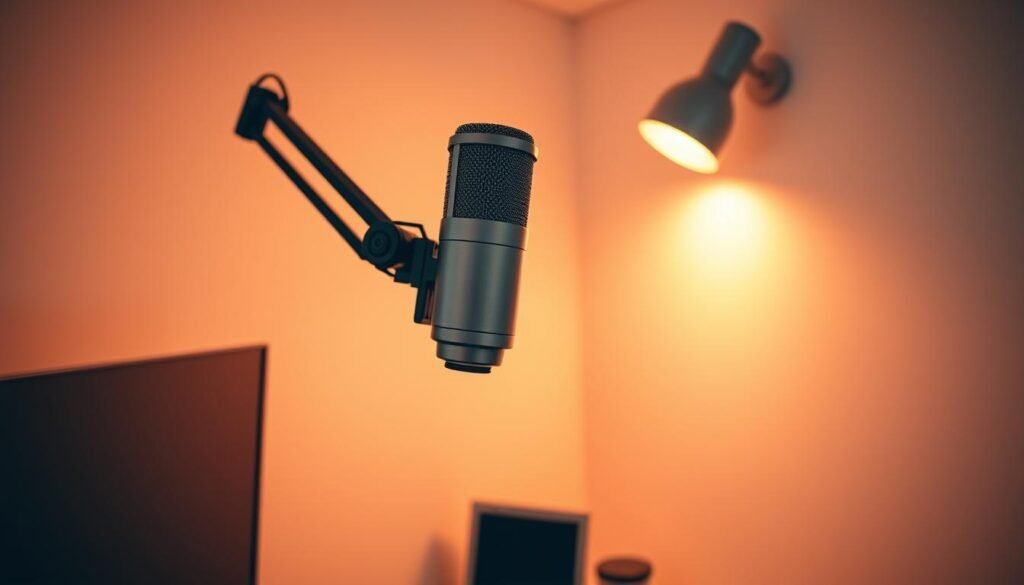
Wall-mounted articulating arms offer another space-efficient approach. These require careful positioning to reach optimal recording spots. Drilling into walls creates a semi-permanent solution.
Stability remains non-negotiable regardless of space savings. Your mounting system must prevent vibration transmission during sessions. Bouncing or creaking undermines professional results.
| Mounting Type | Space Efficiency | Stability | Installation | Best Application |
|---|---|---|---|---|
| Clamp System | Excellent | Good | Tool-free | PVC booths, temporary setups |
| Wall Arm | Good | Excellent | Permanent | Dedicated small rooms |
| Ceiling Mount | Superior | Fair | Complex | Low-clearance areas |
| Floor Stand | Poor | Excellent | Simple | Spacious rooms only |
Workflow integration separates effective solutions from problematic ones. Quick adjustments without tools maintain session momentum. Your mounting should accommodate shock mounts and accessories seamlessly.
Optimizing Your Voice Demo Packages and Studio Bundles
We scrutinize equipment bundles through a business lens, prioritizing component quality over perceived savings. Package deals promise convenience but often deliver compromises that undermine your recording quality.
Comparing Entry-Level and Advanced Packages
The $399 “Just getting started” package with Rode NTG2 provides legitimate entry into professional work. However, shotgun microphone patterns may not suit all recording environments.
Mid-tier packages around $1,599-2,069 feature mics like MKH 416 or TLM 103. These represent significant commitments that require validated business demand.
| Package Level | Price Range | Key Components | Best For |
|---|---|---|---|
| Entry-Level | $399-600 | Basic mic, interface, accessories | Learning and early projects |
| Mid-Tier | $1,599-2,069 | Professional microphone models | Established performers |
| Pro Level | $4,529+ | Industry-standard equipment | Validated business models |
We challenge the bundle approach for experienced performers. Buying individual components selected for your specific needs often delivers better results than accepting manufacturer-curated packages.
Package deals offering $1,000+ in “savings” often inflate comparison baselines. Verify street prices before assuming exceptional value. Your budget allocation matters more than total spending.
Clients hire you for performance, not because you own the same microphone as famous performers.
A $1,200 investment split between a $400 mic, $200 interface, and $600 in acoustic treatment typically outperforms putting all your money into just the microphone. Strategic component selection beats bundled convenience every time.
Considering USB vs. XLR Microphones
We confront the connectivity debate with practical business considerations, not technical dogma. The choice between USB and XLR reflects different career strategies.
USB microphones like the Audio Technica AT2020 USB ($100) offer plug-and-play convenience. They eliminate the need for an external audio interface. This reduces initial costs significantly.
However, USB models contain built-in preamps and converters. You’re locked into their quality with no upgrade path. XLR microphones connect to external interfaces, allowing independent component upgrades.
Hybrid solutions like the Shure MV7+ ($299) and Rode NT1 5th Generation ($249) provide both connectivity options. They offer immediate USB convenience while preserving future XLR flexibility.
| Connection Type | Initial Cost | Upgrade Path | Best Application |
|---|---|---|---|
| USB | Lower ($100-350) | Limited | Testing commitment, travel |
| XLR | Higher (requires interface) | Excellent | Long-term career growth |
| Hybrid | Mid-range ($250-300) | Flexible | Transitional phases |
The quality gap has narrowed considerably. Well-designed USB microphones like the Apogee HypeMic ($349) deliver professional results. Many clients cannot distinguish them from XLR recordings.
Our recommendation: Start with USB to validate your business model. If committed long-term, invest in an XLR microphone and interface system. This accommodates professional growth and workflow integration.
Pro Microphone Options: Neumann, Sennheiser, and More
Premium microphones represent significant capital allocations that demand ROI justification. We evaluate these tools through measurable performance metrics, not celebrity endorsements.
Standout Features of Industry Favorites
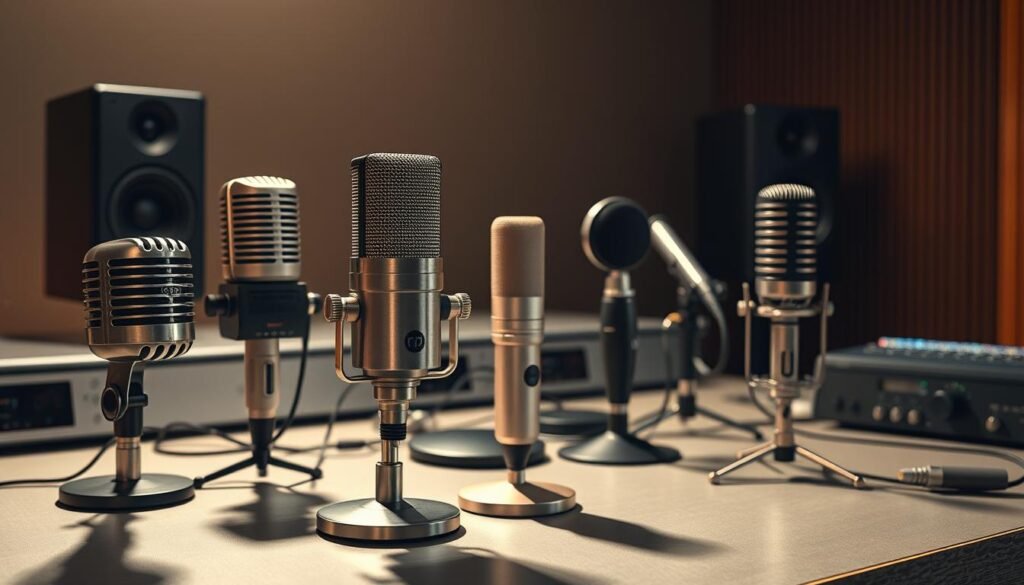
The Neumann TLM 103 at $1,495 delivers ultra-low self-noise below 7dB. This condenser model provides professional-grade quality with hand-selected capsules.
Sennheiser’s MKH 416 occupies a unique position as the industry standard. However, its shotgun pattern makes it specialized rather than universal.
We challenge the assumption that expensive microphones automatically sound better. The $439 Roswell Mini K87 often outperforms $2,000+ models for many applications.
| Model | Price | Key Feature | Best Application |
|---|---|---|---|
| Neumann TLM 103 | $1,495 | Ultra-low self-noise | Professional studio work |
| Sennheiser MKH 416 | $999 | Shotgun interference pattern | Commercial/promo work |
| Roswell Mini K87 | $439 | High-output edition | Budget-conscious professionals |
| Aston Spirit | $379 | Open sound character | Versatile applications |
Professional microphones distinguish themselves through consistency. Every TLM 103 sounds identical, enabling reliable workflows.
The quality ceiling sits around $1,500-2,000. Models above this price point deliver diminishing returns for most applications.
Alternative Options: Budget and Travel Microphones
We challenge the assumption that professional recording requires expensive tools. The sub-$250 market now includes genuinely capable options that don’t compromise viability.
The Rode NT1 5th Generation at $249 delivers both XLR and USB connectivity with neutral frequency response. This hybrid approach provides flexibility for different recording scenarios.
Budget microphones like the AT2020 ($99) and MXL 990 ($149) provide solid entry points. The CAD E100sx continues 30 years of tradition with smooth vintage tone at $199.
Travel recording demands different priorities than permanent setups. Compact size and durability trump absolute sonic perfection when recording from hotel rooms.
Shotgun microphones like the Audio-Technica AT875R work well for mobile use. Their narrower pickup pattern provides environmental noise rejection in imperfect spaces.
The DPA 4060 lavaliere system represents professional travel capability at $670. This exceptional audio quality fits in a shirt pocket for ultimate portability.
We’ve found that neutral characteristics actually benefit professional workflows. Clean recordings allow engineers to shape audio rather than fighting specific tones.
Alternative microphone options solve specific problems rather than chasing perfection. Match the tool to your actual use case for optimal results.
Software, Editing, and Recording Tips for Beginners
We separate software capabilities from performance fundamentals—no editing suite can compensate for weak delivery. Brilliant tools capture great performances; they don’t create them.
Adobe Audition represents the professional standard with comprehensive editing tools. Audacity provides free, open-source functionality adequate for learning. Twisted Wave offers another capable option.
Recording technique matters more than software choice. Proper microphone positioning and consistent levels peaking around -12 to -6 dB eliminate most post-production headaches.
We recommend minimal processing during recording. Capture clean, neutral audio with adequate headroom. Apply EQ and compression during editing when you can make reversible decisions.
| Software | Cost | Best For | Key Feature |
|---|---|---|---|
| Adobe Audition | Monthly subscription | Professional workflows | Batch processing |
| Audacity | Free | Learning fundamentals | Open-source |
| Twisted Wave | One-time purchase | Efficient editing | Streamlined interface |
Noise reduction plugins like Brusfri solve specific problems. They’re not substitutes for fixing underlying acoustic issues causing the noise.
Software workflow efficiency compounds over time. Keyboard shortcuts and batch processing save seconds per file that accumulate into hours across projects annually.
Guidelines for a Successful Voice Acting Career
We’ve observed a consistent pattern: the most successful voice actors master their craft before maximizing their gear. Hardware serves performance, not the reverse.
Focusing on Performance Over Hardware
Success in this field isn’t about expensive equipment. If you aren’t delivering brilliant performances, no magic box will fix things. Good tools let you focus on your craft.
There’s no universal solution—everyone works in different environments. Don’t buy gear just because it’s “industry standard” or has YouTube hype. Work within your budget and upgrade strategically.
The industry books talent based on performance quality and professional reliability. Your equipment should become background infrastructure—reliable and requiring minimal attention.
We recommend establishing baseline professional capability first. Focus on performance development rather than incremental upgrades clients won’t perceive. Time spent practicing delivers better returns than researching gear minutiae.
Validate market demand with modest equipment. Upgrade only when specific limitations become clear and your income justifies the expenditure. Sustainable careers typically use mid-tier gear thoroughly mastered.
Conclusion
Our journey through professional recording tools concludes with a clear directive: let performance drive your purchases. We’ve dismantled the myth that expensive gear guarantees success. Your talent remains the primary asset clients hire.
The strategic approach we advocate follows business logic. Start with capable entry-level equipment that delivers broadcast-quality results. Upgrade only when specific limitations hinder your work and revenue justifies the investment.
Your home studio setup should support consistent, professional output without draining resources. Focus on acoustic treatment before chasing microphone prestige. Remember that workflow efficiency compounds over time.
Ultimately, technical quality no longer presents barriers to professional opportunity. The current landscape offers exceptional tools at accessible prices. Invest your limited time and capital where they matter most: developing your craft and building client relationships.
FAQ
What is the most important piece of equipment for a home recording studio?
We believe the microphone is the cornerstone. A quality large diaphragm condenser mic captures the nuance and detail essential for professional-grade audio. While software and an audio interface are critical, your recordings’ sound quality hinges on the microphone.
Is a USB microphone a good choice for beginners?
USB mics offer simplicity but limit your growth. We recommend an XLR condenser microphone paired with an audio interface. This standard pro setup provides superior sound, more control, and a clear upgrade path without replacing your core gear.
Why do I need a shock mount and pop filter?
These accessories are non-negotiable for clean audio. A shock mount isolates the mic from stand vibrations, while a pop filter eliminates plosive sounds (like “p” and “b”). They solve common problems cheaply, saving you money and time on editing later.
Can I use a cheap mic stand for my expensive microphone?
We advise against it. A flimsy stand risks damaging your investment. A sturdy, heavy-base boom stand provides stability and precise positioning. It’s a pragmatic purchase that protects your gear and improves your recording workflow.
What should I look for in an audio interface?
Focus on clean preamps and solid drivers. The preamp quality directly impacts your microphone’s output level and noise floor. Look for interfaces from brands like Focusrite or Universal Audio that offer high-quality conversion and reliable performance for the money.
How much should I spend on my first studio setup?
A> Your budget should reflect serious intent, not just the lowest cost. A functional starter package with a condenser microphone, interface, stand, and headphones can be assembled for a few hundred dollars. We view this as an investment in your business, not an expense.
Do I need acoustic treatment for my home studio?
Absolutely. Expensive gear records room reflections perfectly. Basic treatment—like bass traps and acoustic panels—is a higher ROI upgrade than a more expensive microphone in an untreated space. It controls the sound environment, yielding professional results.
What software is best for recording and editing?
We recommend starting with a robust Digital Audio Workstation (DAW) like Reaper, Adobe Audition, or Audacity. The best software is the one you learn to use efficiently. Focus on mastering recording, editing, and noise reduction techniques more than the specific program.