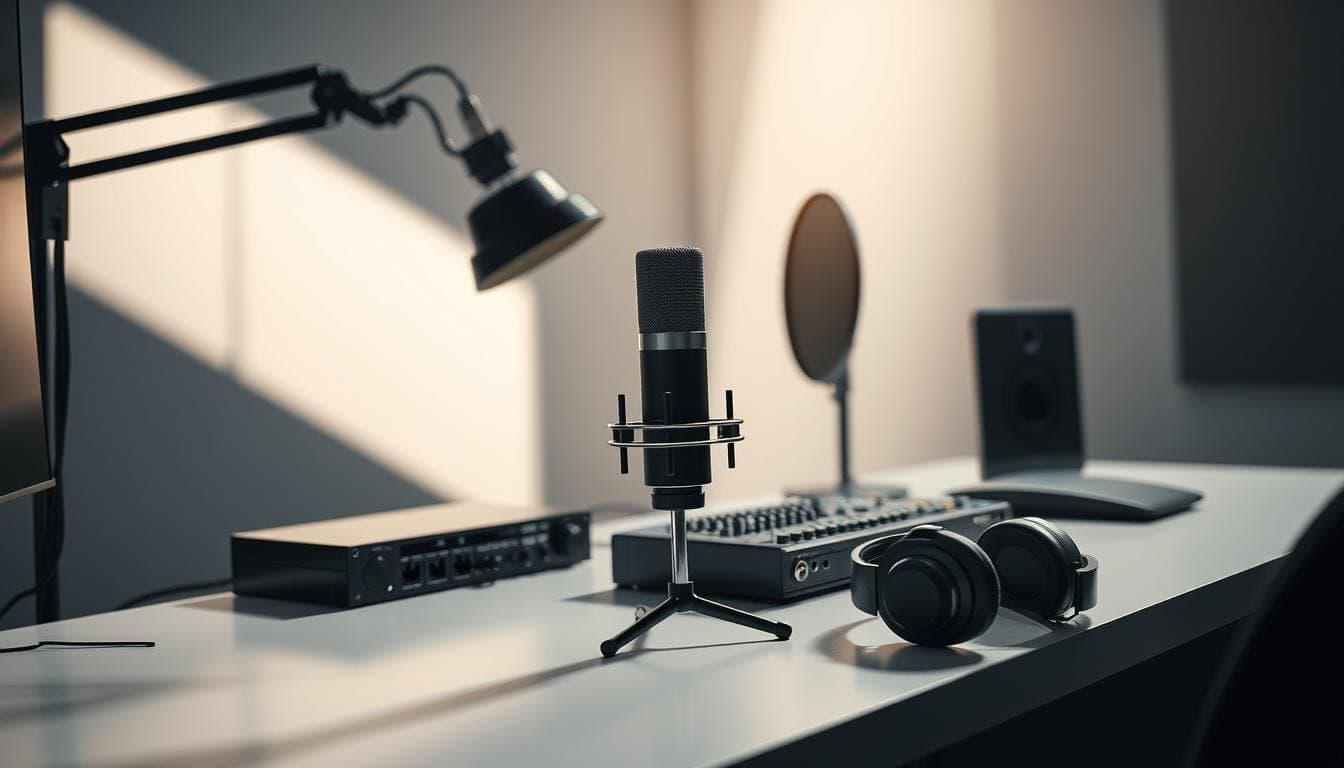
Performance always matters more than the gear sitting on your desk. Smart, budget-aware choices for your microphone, interface, and acoustic treatment get you professional-sounding recordings without unnecessary expense.
Many modern large-diaphragm condenser microphones that retail around $200–$300 produce broadcast-capable audio; for example, the Rode NT1 is commonly priced near $249 (manufacturer listing).1 Start with reliable fundamentals and scale your studio as your bookings grow.
This guide focuses on the essential voice over equipment you actually need—mic, interface, basic acoustic treatment, and workflow accessories—so you can spend money where it improves your recordings and saves editing time.
Read the section that matches your stage (starter / mid-tier / pro) to get a practical shopping and setup path that supports consistent studio-quality output.
Introduction to Voice Acting and Equipment Essentials
Skill and consistent performance are the primary drivers of a successful voice career; no mic or acoustic treatment will mask weak delivery. Tools exist to capture and present your voice clearly, but training and preparation create the opportunities those tools support.
Modern home studios can meet common broadcast and audiobook specs affordably — for example, ACX requires at least 44.1 kHz/16‑bit WAV files (ACX technical requirements). Start by prioritizing three fundamentals: a reliable microphone, a basic audio interface, and targeted acoustic treatment.
Who this is for: beginners validating a workflow, part-timers upgrading to client-ready recordings, and performers preparing to scale into a dedicated home studio.
Quick starter checklist: 1) choose a large-diaphragm condenser or hybrid USB/XLR mic suited to your voice; 2) pick one XLR input interface with clean preamps and direct monitoring; 3) treat first-reflection points (panels or portable booth) before chasing higher-priced microphones. These steps keep your recording quality consistent while you develop bookings and grow your studio.
Understanding Voice Over Equipment
Your microphone choice often reveals more about your recording space than your budget. For most voice work, a large-diaphragm condenser with a cardioid pickup pattern is the practical starting point: cardioid patterns focus on what’s in front and reduce off-axis sound (manufacturer polar pattern diagrams show ~10–20 dB reduction at 90° for many models).1
Some microphones offer switchable patterns. Omni picks up room ambience evenly, which can be useful for round, natural recordings but is usually a poor match for untreated home studios. Figure-8 captures front and back and suits interview setups rather than isolated narration.
Condenser microphones are sensitive—good for nuance, but they also reveal room reflections and background noise. That sensitivity makes acoustic treatment and proper microphone placement more important than buying progressively higher-priced mics to mask room problems.
The microphone reports what the room and performer deliver—use that feedback to improve placement and treatment.
Knowing your signal chain—from microphone to cable to interface to computer—helps you find the real bottleneck when recordings sound thin or noisy. A clean cable and a decent preamp often fix issues that no marketing spec can justify.
| Pickup Pattern | Best Application | Voiceover Suitability | ||
| Cardioid | Single vocalist recording | Excellent — isolates direct sound |
| Omnidirectional | Room ambiance capture | Poor — picks up room noise |
| Figure-8 | Interview settings | Fair — captures front and back equally |
A single well-chosen microphone that suits your voice will usually outperform multiple mediocre mics. Instead of buying more mics, invest in a solid interface, balanced XLR cables, and a modest amount of acoustic treatment to improve the overall quality of your recordings.
Quick room test checklist:
- Tap test: clap or tap near your mic position and listen for long reverberation or flutter.
- One-minute test recording at normal performance distance—listen for reflections and background noise.
- Move the mic 2–6 inches and note changes; small placement shifts often solve major problems.
Comparing Large Diaphragm Condenser Microphones
When choosing a large diaphragm condenser, focus on measurable performance: self-noise, frequency response, and how the capsule interacts with your voice and room. Capsule design largely determines the mic’s character—some sound warm and colored, others neutral and transparent.
Features and Capsule Designs
Precision in capsule manufacturing separates budget models from pro options. A well-made diaphragm condenser captures nuance without harshness; look for low self-noise and a smooth midrange for narration and character work.
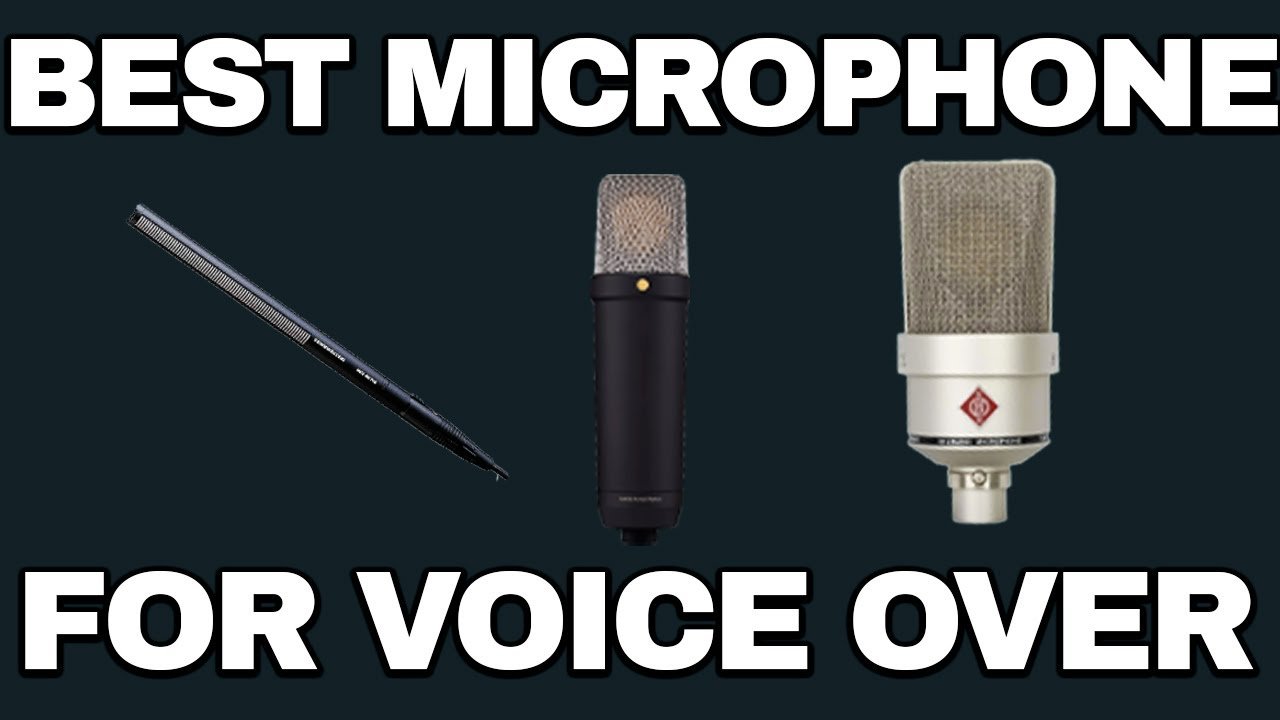
Examples by category: the Rode NT1 (widely available around the $200–$300 range) gives neutral, low-noise performance at a budget-friendly price; the Aston Spirit is a versatile mid-range option with a slightly open character that suits many voices.
Budget versus Professional Models
Pro models like the Neumann TLM 103 offer very low self-noise—Neumann specifies the TLM 103 self-noise at 7 dB(A) (Neumann datasheet).1 That consistency and low noise floor matter in treated, professional studios but represent a significant investment.
Practical guideline: pick a clear winner for each need. Best budget: Rode NT1 (value and low-noise performance). Best mid-range: Aston Spirit (versatile character). Best pro: Neumann TLM 103 (ultra-low self-noise and consistency).
Upgrading should follow measured returns: if a higher-priced version doesn’t improve your booked work or reduce editing time enough to cover the cost, prioritize acoustic treatment and technique first. Use blind A/B listening where possible to confirm whether a perceived improvement is real or just marketing.
Selecting the Right Mic Stand for Your Studio
Your choice of mic stand affects workflow, mic positioning, and vibration control—three things that directly influence recording consistency. For tight home booths, prioritize space-efficient solutions that lock securely and let you repeat the same placement session after session.
Traditional floor stands with tripod bases are stable but take up floor space. Wall-mounted and clamp-based stands save real estate and can be positioned closer to vocal workstations without a heavy footprint.
Look for tool-free adjustment and clear load ratings. For example, widely used boom arms like the RØDE PSA1 support about 2.4 kg (5.3 lb) — check the manufacturer spec before mounting heavier microphones or shock mounts.1
The right stand should let you move quickly and stay still while you record. Boom arms offer flexible reach; clamp mounts maximize space; floor stands provide the highest raw stability in large rooms.
| Stand Type | Space Efficiency | Stability | Best For | |||
| Floor Stand | Poor | Excellent | Large, dedicated rooms |
| Boom Arm | Good | Good | Flexible positioning |
| Clamp Mount | Excellent | Good | Tight spaces |
Quick pros/cons:
- Floor stand — pro: very stable; con: occupies floor area and can block movement.
- Boom arm — pro: flexible and repeatable positioning; con: check load rating for heavy mics + shock mount combos.
- Clamp mount — pro: superior for small booths and PVC frames; con: relies on solid attachment points and may have limited reach.
Winner for small booths: clamp-based mounts or compact boom arms—both maximize usable space while keeping the mic stable. Whatever you pick, ensure compatibility with your shock mount and pop filter so the entire mic + stand system behaves reliably during recording.
Essential Accessories: Shock Mounts, Pop Filters, and More
Accessories solve real recording problems that editing can’t reliably fix—investing in the right shock mount, pop filter, and simple workflow pieces saves time and improves final audio quality.
Shock mount: this isolates your mic from mechanical vibrations (desk taps, chair creaks, floor footsteps). Pick a mount rated for your microphone’s weight and shock type; pro-grade mounts like Rycote or quality threaded designs provide durable isolation. A common practical reference: many elastic-style mounts meaningfully reduce low-frequency rumble when used correctly (manufacturer guides and reviews show measurable improvement).
Pop filter: a pop filter is the cheapest insurance against plosives. Position a dual-layer nylon or metal pop screen about 2–3 inches from the capsule to reduce ‘p’ and ‘b’ blasts—manufacturers and engineers commonly recommend this spacing to limit plosive energy before it reaches the diaphragm.1
- Elastic suspension systems minimize vibration transmission from stands and booms.
- Proper pop protection eliminates characteristic thumps and rescues takes without editing.
- Integrated accessory designs keep setup time low and preserve performance focus.
Examples and quick guidance: the Roswell Cutaway-style mounts and similar open-frame shock mounts work well for many large diaphragm condenser mics; lighter elastic web mounts are inexpensive but double-check compatibility. Avoid makeshift mounts (rubber bands, taped foam)—they often introduce unpredictable resonance or let the mic shift during a session.
Budget note: a reliable pop filter typically runs $15–$30 and is one of the highest ROI accessories you can buy. Winner recommendation for most voiceover setups: a robust elastic or lyre-style shock mount sized for your mic plus a dual-layer pop filter—this combination prevents common noise issues and keeps your editing workload lower.
Integrating Audio Interfaces and Studio Headphones
Your final recording quality is only as good as the weakest link in the signal chain. The audio interface converts your mic’s analog signal into digital audio; if the interface adds noise or has poor drivers, your recordings suffer no matter how good the microphone is. Good studio headphones let you hear problems during sessions and make confident editing decisions.
Key Features of Audio Interfaces
Prioritize three practical specs: clean preamp gain (so you can reach usable levels without raising the noise floor), reliable A/D conversion, and stable drivers. For most voiceover work, a 24-bit converter and 48–96 kHz sample rate are more than adequate for broadcast and audiobook delivery.
Examples and a quick fact: the SSL2+ supports 24-bit/192 kHz conversion (manufacturer spec), showing that professional-level conversion is available in affordable units.1 For starters, the Focusrite Scarlett Solo (4th Gen) is a clear budget winner with low-noise preamps and simple routing—good value for ~one XLR input setups. The Universal Audio Apollo Solo is the pro-tier choice if you want onboard DSP and premium conversion, but many performers don’t need the extra processing to produce client-ready files.
Plain-language note on gain vs. noise floor: clean gain means the interface can amplify your mic’s output without adding hiss. If you find yourself cranking gain and then visually boosting in software, your noise floor will rise and edits will become harder.
Top Headphone Recommendations
Use closed-back headphones for recording (they reduce bleed) and open-back or reference headphones for editing when you need translation. The Beyerdynamic DT 770 Pro is a strong all-around choice for isolation and comfort—our winner for value and versatility. For critical editing, open alternatives reveal the room and frequency balance more clearly.
- Best budget interface: Focusrite Scarlett Solo — great preamps for the price and a clean path to XLR recording.
- Best value headphones: Beyerdynamic DT 770 Pro — closed-back isolation and reliable long-term use.
- Best pro interface (if needed): Universal Audio Apollo Solo — premium conversion + DSP for heavier production needs.
Startup guidance: most solo voice actors begin with one XLR input and a simple interface—expand inputs only when you truly need multiple mics. Choose gear that fits your current bookings and allows a sensible upgrade path so your studio and recordings improve in lockstep.
Setting Up Your Home Voice Over Studio
Spending on acoustic treatment usually returns more audible improvement than buying a marginally better microphone. Your room and how it treats sound shape the perceived quality of every recording you deliver.
Optimizing Space and Acoustic Treatment
A microphone will never sound better than the room it sits in—the mic simply reveals the room. Address two separate problems: stop external noise from entering and reduce internal reflections so your voice sounds direct and present.
Commercial booths advertise high isolation: for example, some StudioBricks models list around 45 dB of airborne noise reduction in manufacturer specs, which explains their cost for professionals.1 Those booths make sense after you validate consistent income; portable solutions and DIY builds serve most starters effectively.
| Treatment | Approach Cost | RangeIsolation Level | Best Application | |||
| Commercial Booth | $3,000-10,000+ | 45+ dB | Established professionals |
| DIY PVC Frame | $200-500 | 25-35 dB | Budget-conscious starters |
| Portable Solution | $300-800 | 30-40 dB | Mobile recording needs |
Practical placement tips: use the mirror trick to find first reflections—have someone move a mirror along the wall while you sit in recording position; wherever you see the mic reflected is a spot to treat. Focus treatment on the wall behind the mic, the sidewalls at listening height, and the ceiling above your head for disproportionate gains.
If a booth is out of budget, prioritize: seal doors and windows to reduce outside noise, add a few panels at first-reflection points, and use movable absorbers (gobos) behind and around your mic. These inexpensive steps cut room sound dramatically and improve how your recordings translate across client systems.
Balance livability with performance—start with targeted fixes that make the studio workable every day, then expand treatment as bookings and revenue justify larger investments.
Home Studio Problem Solvers and Nifty Add-ons
Small upgrades often repay themselves faster than expensive gear swaps. Focus on eliminating workflow friction—things that interrupt performance or add editing time—so you can record more and worry less about technical problems.
Tablet mounts are an inexpensive, high-impact purchase. A clamp-style tablet holder that attaches to a mic stand replaces paper, reduces rustling noise, and speeds script changes—many options cost under $30. Digital scripts cut printing costs and reduce on-session interruptions during directed takes.
Cable failures cause more studio headaches than any single fancy piece of gear. Invest in quality headphone and mic cables; the Hosa REAN connectors are widely used for reliable daily use (see Hosa product listings).1 For under $50 you can fix common dropouts and avoid lost takes.
Recommended quick buys under $50:
- Clamp tablet mount — reduces paper noise and speeds line reads.
- Quality headphone extension (REAN/Hosa) — prevents intermittent buzzing.
- Velcro cable ties and a simple cable channel — tidy cable runs save setup time.
Small quality-of-life items compound over hundreds of sessions: a stable tablet mount saves minutes per session, good cables prevent re-records, and a dedicated lamp improves reading comfort and reduces errors.
Mic Mounting Solutions for Tight Spaces
Creative mounting turns cramped corners into workable recording spaces. Floor stands are stable but bulky; clamp systems and wall arms free up floor space and make small booths usable.
Clamp-based mounts like the Stage Ninja attach to PVC frames or desk edges and offer tool-free installation—winner for tight booths because they maximize usable room without permanent installation. Always check the mount’s load rating and your mic + shock mount weight before clamping; exceeding limits risks damage or noise.
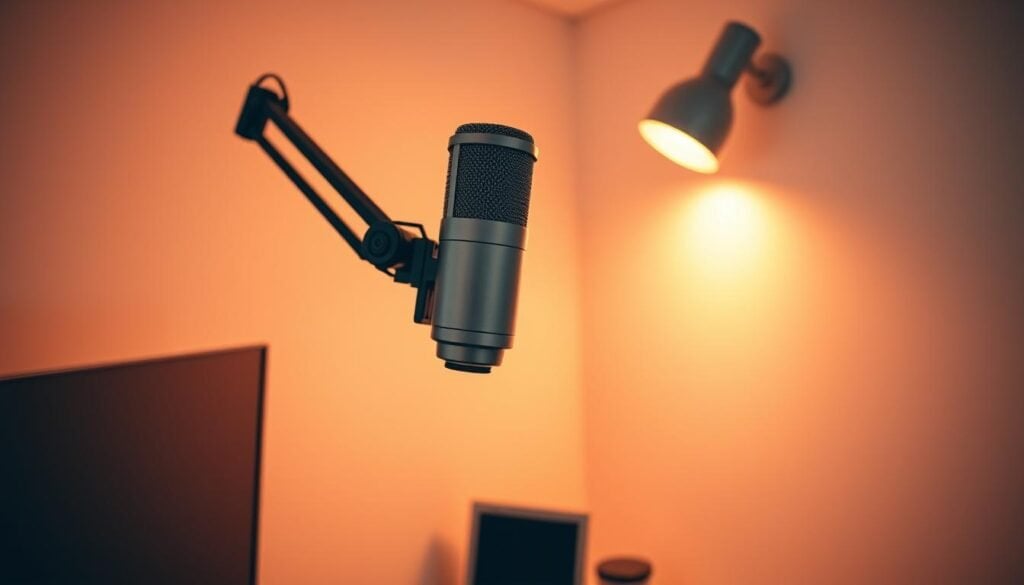
Wall-mounted articulating arms work well in a semi-permanent setup but require careful placement and solid fixings. Ceiling mounts save the floor but are more complex to install and can transfer building vibrations if not isolated properly.
| Mounting Type | Space Efficiency | Stability | Installation | Best Application | ||||
| Clamp System | Excellent | Good | Tool-free | PVC booths, temporary setups |
| Wall Arm | Good | Excellent | Permanent | Dedicated small rooms |
| Ceiling Mount | Superior | Fair | Complex | Low-clearance areas |
| Floor Stand | Poor | Excellent | Simple | Spacious rooms only |
Workflow integration matters: choose a mount that lets you position the mic quickly and repeatably, accepts your shock mount and pop filter, and stays quiet. A short safety note—always respect manufacturer weight limits and prefer wall anchors or reinforced attachment points when drilling into surfaces to avoid accidents and added noise.
Optimizing Your Voice Demo Packages and Studio Bundles
Treat bundles as a convenience, not an automatic bargain. Buying individual components chosen for your voice, workflow, and room usually delivers better long-term results than accepting a manufacturer-curated kit that pads perceived savings with lower-quality parts.
Comparing Entry-Level and Advanced Packages
Entry-level bundles priced in the $399–600 range can be useful to validate interest and workflow, but inspect each component’s spec and replace weak elements first (cables, stands, or interfaces often matter more than slightly better mic specs). Mid-tier bundles around $1,600–2,000 usually include higher-end microphones—appropriate only after you confirm steady bookings. Winner: buy components yourself (custom picks) when you know your needs.
| Package Level | Price Range | Key Components | Best For | |||
| Entry-Level | $399-600 | Basic mic, interface, accessories | Learning and early projects |
| Mid-Tier | $1,599-2,069 | Professional microphone models | Established performers |
| Pro Level | $4,529+ | Industry-standard equipment | Validated business models |
Practical allocation example: splitting $1,200 into a $400 mic, $200 interface, and $600 targeted acoustic treatment typically improves real-world recordings more than spending the same on a single top-tier microphone.
USB vs. XLR Microphones — which path to choose?
Choose based on where you are in your career. USB mics let you start fast and cheaply; XLR systems give you a clear upgrade path. Hybrid models offer a useful bridge.
USB: lower initial cost, plug-and-play convenience, limited upgrade path. XLR: higher initial investment (requires an interface) but modular—swap interface or mic independently. Hybrid: flexible for transition phases. Winner by stage: start with USB to validate bookings; switch to XLR when you commit long-term.
| Connection Type | Initial Cost | Upgrade Path | Best Application | |||
| USB | Lower ($100-350) | Limited | Testing commitment, travel |
| XLR | Higher (requires interface) | Excellent | Long-term career growth |
| Hybrid | Mid-range ($250-300) | Flexible | Transitional phases |
Note: well-designed USB mics (Apogee and other manufacturers) can deliver surprisingly professional audio, but remember the locked-in converter and preamp quality limits your future upgrades.
Pro Microphone Options: clear winners by use-case
Premium microphones demand ROI justification. Choose a pro mic when you can demonstrate the upgrade will reduce editing time, increase bookings, or replace rental costs.
Standout picks
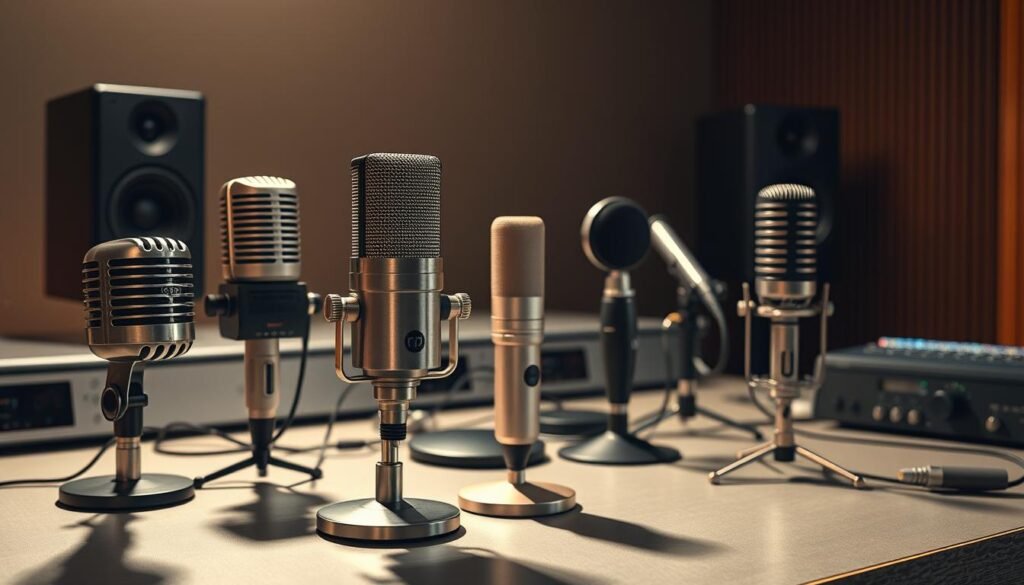
Neumann TLM 103 — best pro vocal condenser for ultra-low self-noise; Neumann lists TLM 103 self-noise at 7 dB(A) (Neumann datasheet).1
Sennheiser MKH 416 — industry favorite for commercial/promo spots with shotgun characteristics (specialized use).
Roswell Mini K87 — strong mid/upper-range value pick where budget and quality meet.
| Model | Price | Key Feature | Best Application | |||
| Neumann TLM 103 | $1,495 | Ultra-low self-noise | Professional studio work |
| Sennheiser MKH 416 | $999 | Shotgun interference pattern | Commercial/promo work |
| Roswell Mini K87 | $439 | High-output edition | Budget-conscious professionals |
| Aston Spirit | $379 | Open sound character | Versatile applications |
Winner notes: Best pro condenser for consistency — Neumann TLM 103. Best mid-range value — Roswell Mini K87 or Aston Spirit depending on voice. Always test A/B and confirm that the mic solves a specific problem you actually have.
Budget and Travel Options
The sub-$250 market now includes capable tools that let you record viable demos and commercial work when paired with good technique and treatment.
Rode NT1 (5th Gen, hybrid/versions vary) often sits around $249 and gives a neutral character with low noise; AT2020 and MXL 990 are solid starter mics at lower price points. For travel: compact shotguns like the AT875R reject side noise; the DPA 4060 lavalier is a professional travel choice for on-location work (priced higher, but pocket-sized).
Winner for travel lav: DPA 4060 (pro). Winner for travel shotgun: Audio-Technica AT875R (value travel shotgun).
Match the mic to the use case—neutral recordings give engineers room to shape tone, which is preferable to very colored budget mics that force corrective EQ and extra editing time.
Software, Editing, and Recording Tips for Beginners
Software doesn’t make performances — it captures and refines them. Choose tools that let you record clean, neutral audio and edit efficiently so you spend more time recording and less time chasing technical problems.
Common choices: Adobe Audition (subscription) for professional workflows, Audacity (free) for learning basics, and TwistedWave for streamlined editing. Each has strengths — pick the one you will actually learn and use consistently.
Recording basics that save hours in editing: aim for consistent levels (avoid clipping; keep peaks well below 0 dBFS), leave headroom (targets around -12 to -6 dBFS peak are typical for dialogue workflows), and record in the quietest, most treated position you can. For audiobook and many broadcast deliverables, ACX specifies 44.1 kHz/16‑bit as a minimum file format requirement (see ACX technical requirements).1
Keep processing minimal while recording: capture clean takes with good mic placement and conservative gain, then apply EQ/compression during editing where decisions are reversible.
| Software | Cost | Best For | Key Feature | |||
| Adobe Audition | Monthly subscription | Professional workflows | Batch processing |
| Audacity | Free | Learning fundamentals | Open-source |
| Twisted Wave | One-time purchase | Efficient editing | Streamlined interface |
Noise-reduction plugins (for example, Brusfri or iZotope RX) fix specific issues but aren’t substitutes for treatment—use them sparingly and after capturing the best possible raw recording.
Workflow efficiency matters: learn keyboard shortcuts, use templates for file naming and levels, and batch-process repetitive tasks. Seconds saved per file compound into hours over a year.
Guidelines for a Successful Voice Acting Career
Focusing on Performance Over Hardware
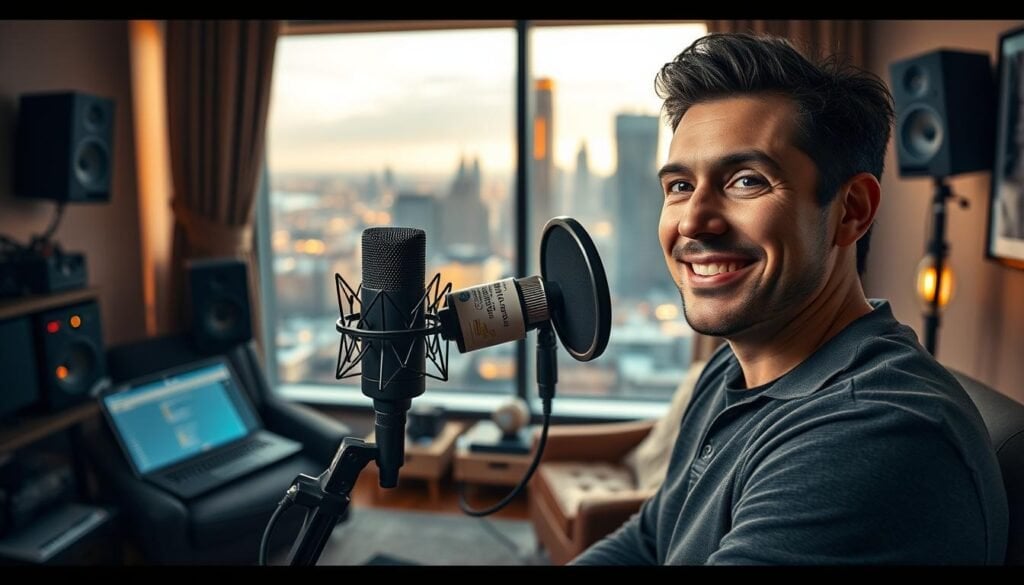
Top performers develop craft first, gear second. Reliable equipment should be background infrastructure that frees you to deliver consistent, professional recordings.
Beginner checklist:
- Learn consistent mic technique and mark a repeatable distance.
- Set interface gain so peaks sit roughly between -12 and -6 dBFS.
- Use a pop filter and shock mount to cut plosives and stand noise at the source.
- Apply minimal processing while recording; tidy files in your DAW after each session.
Call to action: if you’re starting, jump to the starter equipment quick‑start section to get a practical shopping list and setup steps that won’t break the bank.
Conclusion
Recommendation: start with a reliable large-diaphragm condenser, a simple audio interface, and targeted acoustic treatment to get the best improvement in perceived audio quality for your money. Focus on developing performance and workflow habits that keep recordings consistent before spending on pro-tier upgrades. Prioritize treatment and repeatable setups—those choices improve final recordings more than chasing microphone prestige.