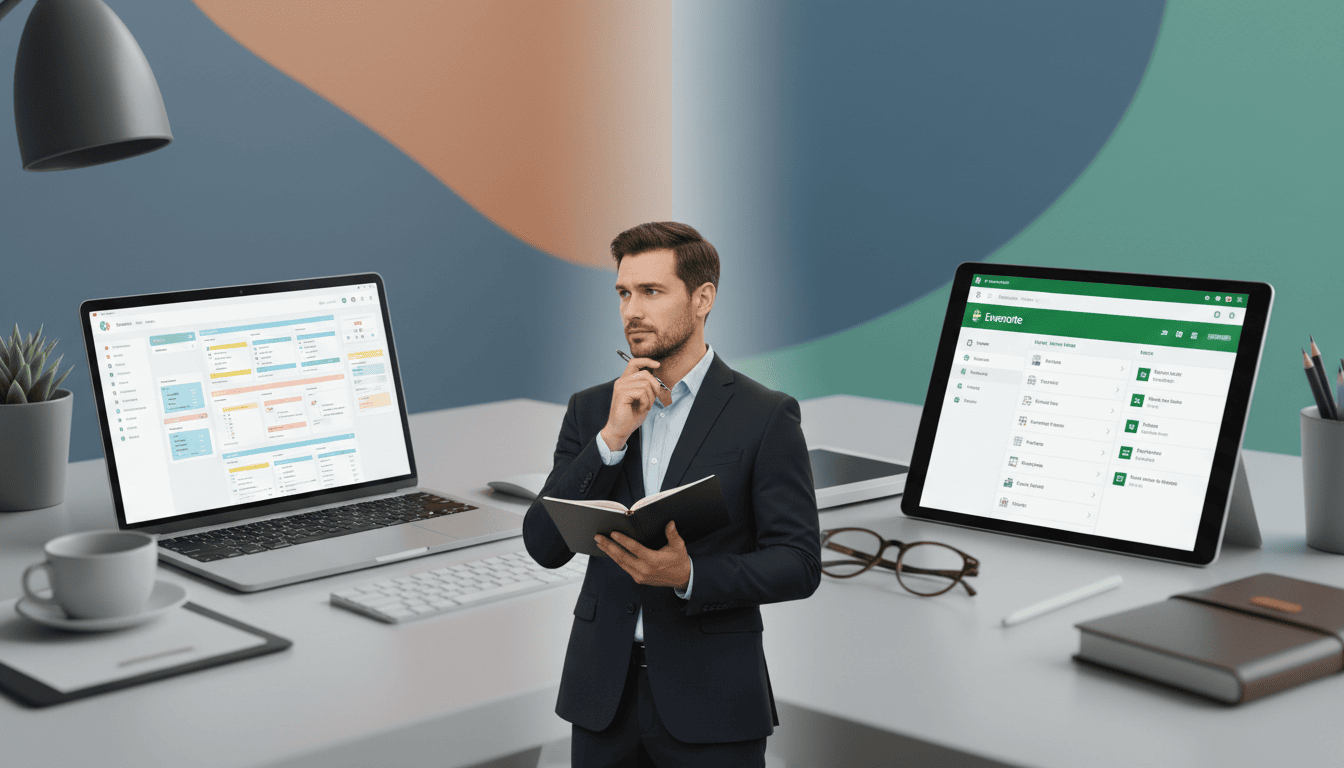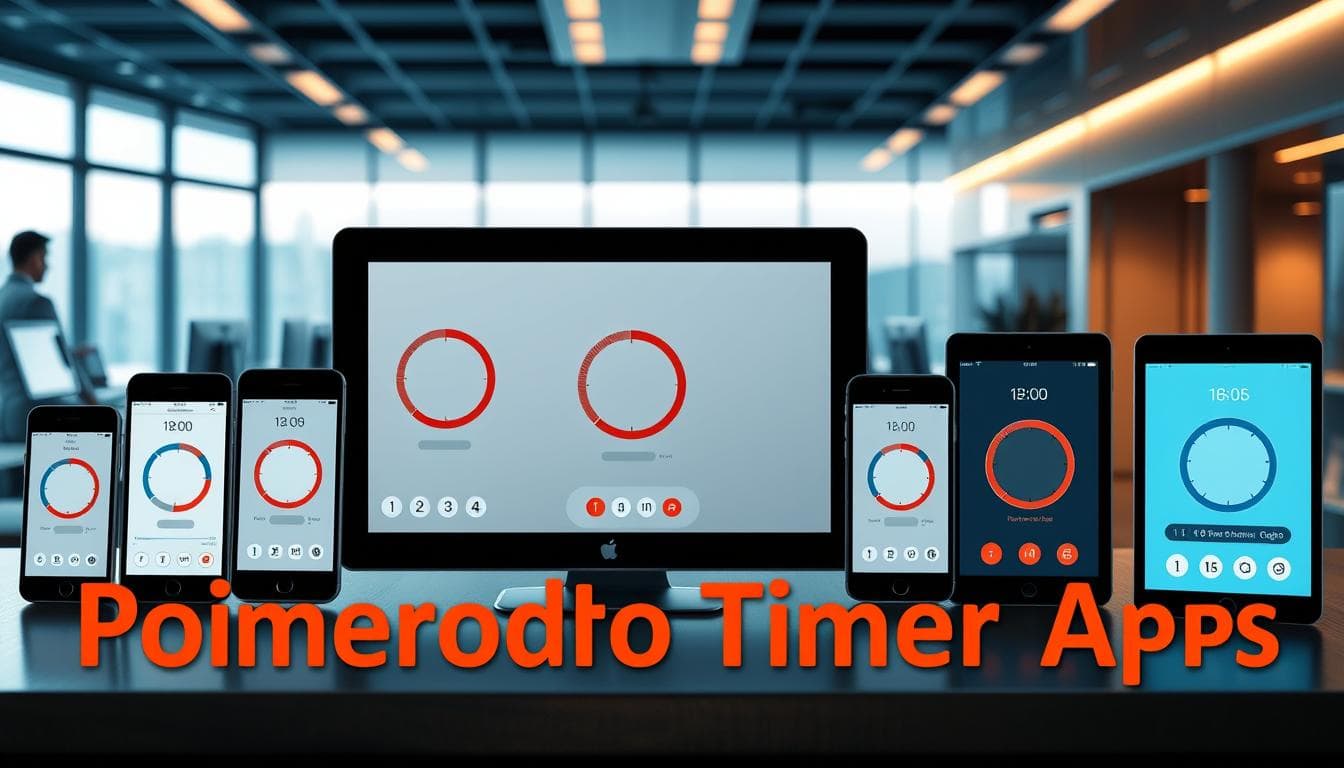
Standard organizational tools often miss the mark for professionals with attention differences; many systems assume steady executive function that some people don’t have. This guide highlights practical, evidence-aligned app choices and the specific features that help reduce cognitive load and support consistent routines.
Estimated adult ADHD prevalence varies by method, but U.S.-focused figures often center near 4% (see National Institute of Mental Health data). Generic time-management advice fails when it ignores differences in time perception, task initiation, and working memory—so the goal here is to match tools to those challenges rather than offer more pep talk.
This piece focuses on functionality over flash: the right digital setup should provide visual organization, quick capture, and flexible structures that fit how you actually work. Rather than claiming definitive testing results, here’s how top options and key features compare so you can pick the best AD/HD-friendly tool for your life and try it for a short trial period.
Try one tool for two weeks and track one simple metric (completed tasks per day or minutes of uninterrupted work) to see whether it meaningfully improves your daily planning and focus.
Introduction: Overcoming Workplace Challenges with ADHD
Traditional workplace strategies often break down when executive function is inconsistent. Problems with task initiation, distorted time perception, and fragile working memory can directly undermine performance at work. Simple advice like “use a planner” misses the point: tools must match cognitive differences, not expect constant willpower.
Understanding the Impact on Daily Productivity
Be realistic: digital tools can provide external scaffolding, but they are not cures. A reliable habit of checking and adjusting your plan matters more than the fanciest feature set; think of the app as part of a daily ritual rather than a one-time fix.
Morning planning of 3–5 minutes is a strongly recommended practice that creates predictable structure for the day. Consistent review—morning, mid-day check, and end-of-day wrap-up—helps compensate for working memory limits and supports task initiation. Structured planning and routines are central elements of behavioral approaches to ADHD management (see behavioral therapy guidance for adults with ADHD).
Setting the Stage for Digital Solutions
Match features to the specific hurdle you’re trying to solve: fast capture for impulsive ideas, visible progress indicators for motivation, and calendar integration for time blindness. Build redundancy (notifications + calendar + task list) and keep the system simple enough that maintaining it becomes the easiest way to get work done.
- Example 3–step morning plan: 1) Capture top three priorities, 2) Time-block focused work for 60–90 minutes, 3) Add one short admin slot for email/comments.
- Quick habit tip: set a single daily reminder tied to an existing routine (first coffee, stand-up meeting) to trigger the planning ritual.
Defining ADHD-Related Productivity Hurdles
Many professionals with attention differences develop a paradoxical relationship with productivity tools: apps intended to help can become another source of overwhelm. Complex interfaces, proliferating lists, and constant context switching create a lot of cognitive friction rather than clarity.

Recognizing Overstimulation and Distraction
Digital clutter and frequent notifications overload the brain’s filtering capacity; research links interruptions to longer completion times and reduced sustained attention (see studies on task interruption). Turning whole-app notification settings off except for critical alerts is a practical first step to reduce fragmentation.
That fragmentation often feeds a cycle: late-night catch-up to finish tasks reduces sleep quality, which then lowers next-day focus and increases evening work—creating a repeating pattern that requires both behavioral and tool-based fixes.
Breaking Down Task Overwhelm
Large projects can feel like impenetrable forests when there are no clear, sequenced steps. Time perception challenges—commonly experienced by people with ADHD—make it easy to underestimate how long parts of a project will take, leading to missed deadlines and chronic stress.
A simple 3-step method helps: 1) break the project into 15–30 minute micro-tasks, 2) assign each micro-task a calendar slot or Pomodoro block, and 3) track completion and adjust the plan. For example: turn “launch report” into “draft outline (30m),” “gather charts (30m),” “write intro (30m),” then schedule those slots across two days.
This flexible, externally structured approach is most effective for many people because it compensates for inconsistent executive function while allowing for adaptation when energy or context changes.
Deep Dive into “productivity apps for adhd”
Here’s how they compare: apps that work well for people with ADHD act as external cognitive scaffolds—fast capture, clear visual cues, and simple ways to convert ideas into scheduled actions—rather than feature-packed tools that create more decisions.
Essential Features of Effective Apps
Effective digital tools strike a balance between simplicity and capability. A clean interface reduces visual clutter while still supporting complex workflows when needed. Visual organization—boards, color tags, and progress indicators—is highly recommended because it turns abstract to-dos into visible movement.
Time integration is a practical differentiator: apps that connect lists to calendar blocks or include built-in timers help counter time blindness by giving tasks a concrete place and duration. Many task apps also offer quick-capture features so ideas don’t get lost—use the app’s “quick add” or mobile widget to capture things in seconds.
Reward cues (progress bars, streaks) provide immediate feedback that helps maintain engagement for repetitive lists and daily habits.
Customizing Tools to Match Individual Workflows
Flexibility matters because executive function fluctuates day to day. The best apps let you switch views (list or board), toggle notifications, and apply templates so the same system works on high-energy and low-energy days. Integration options (calendar sync, email-to-task) extend a single app into a functional ecosystem.
Match features to presentation: someone who struggles with focus may prioritize timers and visual progress; someone who struggles with impulsivity may prefer very fast capture and scheduled review slots. Here’s the practical rule: pick one main list app, one calendar, and one minimal inbox routine, then connect them.
Top To-Do List Apps Tailored for ADHD Professionals
Good list apps convert chaotic mental notes into structured, actionable workflows so tasks stop living in your head. Below are practical app strengths to guide selection.
Exploring Versatile List Apps and Templates
Asana — strong for collaborative work; supports both list and board views (Asana “List” and “Board” templates) which is useful when you need structure for team projects and visual flow for individual tasks. (See Asana features for view options.)
Trello — a lightweight kanban-style list app that uses cards and columns; great for spatial thinkers who prefer moving items through stages. Trello’s templates (Personal Kanban, Weekly Planner) reduce start-up friction. (Trello docs describe its card/board model.)
Templates matter: pre-built workflows (weekly planning, meeting follow-up, project launch) cut decision load when creating lists for recurring work.
Enhancing Time Management with Integrated Tools
TickTick — combines simple to-do lists with scheduling and a built-in Pomodoro timer, making it a good single-app choice if you want timers + lists in one place. Its natural language quick-add means typing “call doctor tomorrow 2pm” creates a scheduled task without extra steps. (TickTick feature pages detail timers and quick add.)
When picking an app, note the practical trade-offs: lightweight list apps are easy to maintain but may lack deep integrations; fuller task management platforms add power but require an investment of setup time. Start with a minimal set of lists and one template, then expand only when the system saves you time.
Calendar and Scheduling Solutions for ADHD
A calendar only helps if you treat it as an active planning partner rather than a passive archive. Users commonly give successful calendars a central role: visible, synced, and intentionally scheduled—so appointments and focused work have a real place in your day.
Syncing Digital Calendars and Time Blocking Techniques
Calendar visibility forms the foundation of effective time management. Keeping your google calendar visible on a secondary screen or checking it at set moments reduces the mental load of tracking commitments across contexts.
Google Calendar supports multiple calendars and standard syncing protocols (iCal), so you can combine work, family, and personal calendars into a single view to avoid conflicts (see Google Calendar Help).
Time-blocking turns vague intentions into concrete commitments. Block specific periods for deep work, administrative tasks, and buffer time to account for transition costs—this combats underestimating duration and overcommitment.
Tools like Sunsama guide daily planning rituals and offer features to move tasks into scheduled slots; auto-scheduling can remove decision friction by suggesting placement based on availability and priority. If you want a lighter-weight option, Fantastical and native calendar apps provide quick entry and rich notifications without heavy setup.
How-to time block (quick steps): 1) Identify 1–3 priorities for the day; 2) Reserve one 60–90 minute deep-work block; 3) Add a 30-minute admin/email slot; 4) Leave a 30–60 minute buffer for overruns. Example day: Deep work 9–10:30, Meetings/admin 11:00–12:00, Buffer/learning 3:30–4:00.
Flexibility matters—plans change and estimates are imperfect. Aim for structure with adaptability: sync your task list to the calendar so items get temporal homes instead of lingering in lists.
Email and Communication Management Strategies
Treat email as scheduled work rather than a reactive chore. Your inbox is a stream of other people’s priorities; without guardrails it will hijack attention and fragment your day.

Streamlining Your Inbox for Increased Focus
Frequent interruptions harm sustained attention and lengthen task completion times, so minimizing non-essential notifications is strongly recommended (see research on task interruption). Keep alerts for truly critical senders and mute the rest.
Time-batching converts email into a scheduled duty instead of a constant interruption. Pick two or three daily inbox windows (for example, 10:30 and 15:30) and stick to them so deep-work blocks remain protected.
Inbox triage routine (quick): 1) Auto-filter and label newsletters and low-priority mail, 2) Time-box 20 minutes for triage during your scheduled inbox slot, 3) Use canned replies or templates for common messages.
Example filter rules: in Gmail, create filters to archive or label messages from mailing lists and to star messages from key stakeholders; in Outlook, set rules to move project-specific threads into focused folders. These simple filters reduce list clutter and decision fatigue.
Template systems save mental energy. Tools like TextExpander or native canned responses let you send consistent replies without having to write the same text repeatedly—invest the time once and reclaim minutes daily.
The same principles apply to chat and other communication apps: set notification windows, mute non-essential channels, and use pinned messages or pinned task lists to keep important threads visible without constant checking.
Specialized ADHD Planner Apps for Adults
All-in-one platforms can reduce the cognitive overhead of switching between disconnected tools by combining capture, planning, and habit supports in one place. Below are focused notes on apps that add features beyond simple lists—paired with a one-line “best for” and free-plan status where applicable.
Reviewing AFFiNE, Sensa, and Other Leading Apps
AFFiNE — free and open-source; combines whiteboard-style canvases, kanban boards, and collaborative features in a single interface. Best for: people who want flexibility and a free plan available for experimentation. (AFFiNE is open-source and free to use.)
Sensa — integrates CBT-style exercises with planning and habit prompts to surface patterns in mood and behavior. Best for: adults looking for built-in habit and mood tracking alongside task lists. (Check Sensa’s feature descriptions for CBT modules.)
Focus@Will — uses curated music tracks designed to improve focus via specific audio frequencies. Best for: people who respond to auditory cues and want a dedicated focus soundtrack. (Focus@Will is a paid service with trials.)
Epic Win — a gamified to-do app that frames tasks as RPG-style character advancement. Best for: users who need game mechanics to make mundane tasks engaging. (Often a paid or freemium model depending on platform.)
RescueTime — automatic time-tracking that categorizes time on websites and apps to reveal where attention actually goes. Best for: those who want data-driven insight into distraction patterns; free plan available with premium tiers for deeper reporting (see RescueTime pricing).
Integrating CBT and Habit Tracking Features
Habit tracking and CBT-style prompts help translate intention into stable routines. Small daily check-ins and visible streaks or progress bars provide external accountability—useful when intrinsic motivation fluctuates.
Mood tracking in apps like Sensa highlights the emotion–productivity link and helps identify when certain tasks are better scheduled. For many users, combining habit tracking with a task list and calendar reduces friction and prevents impulsive tool-jumping.
Practical note: try a free plan or trial before committing. Many users download multiple apps impulsively—testing one solution for a single month helps you see whether the app actually reduces friction in day-to-day life.
Innovative Gamification and Task Engagement Tools
Gamified apps introduce reward systems that can bridge motivation gaps. They work by externalizing rewards (points, pets, character progress) that supply the immediate feedback some people need to form a habit.
Finch — a checklist-with-pet app where your virtual companion grows as you complete daily tasks. Best for: people who need relational-style rewards and consistent encouragement; freemium model commonly available.
Making To-Dos Fun with Reward Systems
Gamification can also surface risks: it’s easy to prioritize in-app achievements over actual outcomes. Use game mechanics as a bridge to real-world completion, not as a replacement for task goals.
| Feature | Finch | Epic Win | Traditional Apps | |||
| Reward Mechanism | Virtual pet development | Character advancement | Checkmark completion |
| Motivation Type | Relational accountability | Game progression | Intrinsic willpower |
| Risk Factor | Over-engagement with pet | Achievement optimization | Task avoidance |
Use gamified features for routine-building (hydration, breaks, movement) and pair them with measurable work outcomes so you avoid over-optimizing the game at the expense of real progress.
Integrative Approaches: Combining Multiple Productivity Tools
Connecting your apps turns a pile of separate lists into a single working system. Left unchecked, people often accumulate many specialized apps that don’t talk to each other, which recreates the fragmentation they were trying to solve. A small set of integrated tools reduces context switching and helps you actually track progress on projects.
Leveraging Automation and Workflow Integration
Services like Zapier and IFTTT let standalone platforms exchange information so routine steps happen automatically. Zapier supports thousands of app connections and is aimed at business workflow automation; IFTTT works well for simple trigger–action pairs (see Zapier/IFTTT feature pages for specifics).
Two practical automations to try:
- New Google Calendar event → create a TickTick task (ensures scheduled items appear in your task list).
- Starred Gmail message → create a Sunsama task or flagged item in your daily planner (prevents important emails from disappearing).
These small automations stop administrative friction from derailing focus and ensure tasks land in a single place you check regularly.
| Platform | Primary Strength | Ideal For | Integration Depth | |||
| Zapier | Business workflow automation | Complex multi-app sequences and team processes | Deep API connections |
| IFTTT | Simple trigger–action pairs | Personal automations and device links | Basic web service links |
| Native Integrations | Platform-specific optimization | Users centered in one ecosystem (Google, Microsoft, Apple) | Seamless but limited to the ecosystem |
Cultivating a Cohesive Digital Ecosystem
Browser extensions (tab managers, password managers) and native integrations reduce login friction and keep important resources in reach. Consolidate cloud storage rather than scattering files across many free services—Smart Sync features from providers like Dropbox and OneDrive let files appear locally without duplicating storage.
Security note: when you enable cross-app automations, review permission scopes and privacy docs—services like Zapier publish security and privacy information and you should confirm acceptable data handling before linking accounts.
Build a minimal viable ecosystem: pick one primary task app, one calendar, and one lightweight automation to move items between them. This reduces decision points and preserves mental energy for actual project work instead of tool maintenance.
Expert Tips and Best Practices for Maximizing App Efficiency
Tool effectiveness depends on the human systems around them: consistent routines, simple review cycles, and clear rules for what lives where. Users and reviewers report that discipline in execution usually beats feature overload—pick a small set of reliable practices and apply them consistently.
Establishing Consistent Routines and Review Cycles
Make tasks specific so they become actionable. Replace vague entries like “doctor” with “Call Dr. Goldberg to schedule annual physical (ask about next available morning slot).” Specificity removes on-the-spot decision friction.
Routine reviews help compensate for working-memory limits. A practical cadence is morning planning, a mid-day check, and a short end-of-day wrap: these brief reviews keep your plan accurate and prevent tasks from piling up. Checking your system every day is a recommended habit for sustaining progress.
Create reusable templates for recurring tasks—meeting follow-ups, project kickoffs, and weekly reviews. Templates save time and prevent repeated format decisions that drain cognitive energy.
Use simple metrics to evaluate whether a tool actually helps: track one measurable outcome for two weeks (completed tasks per day, minutes of uninterrupted work, or number of planned items completed). This keeps experimentation focused on real improvement instead of constant tweaking.
Writing-assistance and snippet tools reduce friction for communication tasks. Knowing a draft will be cleaned up (spelling/grammar/snippets) makes it easier to start messages and reduces avoidance.
Conclusion
Match external structure to your internal rhythms: choose tools that support your specific challenges (time blindness, task initiation, or organization) and avoid adding unnecessary complexity. Try one app for 14 days, measure one simple metric, and decide based on that data. For many people, TickTick (timers + lists) or Trello (visual kanban) are good starting points depending on whether you prefer timers or boards.