Building a professional video setup in 2025 means prioritizing the right tools over the priciest gear. Assemble a compact, practical kit and you can produce *broadcast-quality* results from a single smartphone and a small bag of accessories.
Mobile workflows now let a single reporter capture, edit, and publish stories faster and cheaper than traditional crews. Reported implementations at outlets such as the BBC and RTE show growing use of smartphone footage in their pipelines—see BBC Academy resources for training and case examples.
We focus on practical buying order and workflows: which microphones, stabilization, lights, and apps matter most, and why. The goal is to give working mobile journalists a clear, actionable plan to improve video, audio, and turnaround times without wasting budget.
For a curated list of recommended gear and model links, see this maintained resource: robbmontgomery.com/gear/ (a regularly updated collection of mobile journalism equipment).
Introduction to Mobile Journalism
Modern reporting has shifted from crew-heavy trucks to fast, portable workflows that let a single reporter shoot, edit, and publish from the field. This is not just equipment substitution—it’s a change in how stories get produced and delivered across platforms.
The core idea is simple: use a smartphone and the right accessories to produce publishable video and audio. That transformation makes individual reporters more autonomous and enables newsrooms to scale output without proportionally bigger budgets.
![the Ultimate Social Media VIDEO TOOLKIT [equipment, editing, software + more]](https://www.brandmag.net/wp-content/cache/flying-press/994dff61e11841d6ae62f4a50b2ac113.jpg)
– Glen Mulcahy, founder of Mojocon, sums it up: “Mobile Journalism is about empowering the individual storyteller to use whatever consumer technology they have available to them to make the best possible visual story that they can.” (see Mojocon for background on the conference and training: mojocon.org)
Why this matters: younger audiences increasingly get news from social platforms—Reuters Institute data shows high mobile-first consumption among younger cohorts—so speed and platform-optimized content directly affect reach and engagement.
Traditional broadcast workflows struggle to match the speed and cost-efficiency of mobile setups. The modern mobile journalist can reach scenes faster, film less intrusive interviews, and publish multi-platform content that meets editorial needs.
The Evolution of Mobile Journalism: A Historical Perspective
Mobile reporting didn’t begin with the smartphone; it follows a long arc of tools that made storytelling portable. Each technological leap expanded what could be filmed and who could film it, changing the kinds of stories newsrooms could cover.
From Leica to Portable TV Cameras
The Leica I, introduced in 1925, proved that a compact camera could free photographers from studios and let them capture events as they happened (see Britannica on Leica history). That portability enabled photojournalism milestones such as Robert Capa’s wartime coverage and Henri Cartier-Bresson’s street reportage—examples of how smaller cameras let reporters follow the story into the moment.
Television faced similar constraints: early broadcast cameras were bulky and required outside broadcast vehicles. As portable ENG (electronic news gathering) cameras and smaller recorders arrived in the 1950s–1970s, crews could go to more locations with fewer logistical constraints, widening the scope of live reporting.
The iPhone Revolution and Beyond
The next big jump came in 2007 with the iPhone, which combined capture, editing, and distribution in one pocket device (see Apple press materials). That collapse of steps—shoot, edit, publish—shifted power toward individual reporters and citizen journalists who could produce and share video instantly.
Today, smartphone cameras approach broadcast quality in many conditions; the remaining gap is often skill and workflow rather than raw sensor capability. For anyone assembling a modern reporting setup, knowing this history helps you prioritize training and tools that convert device capability into usable news stories.
Why Mobile Journalism is Essential Today
Newsrooms are being asked to produce far more video across TV, web, and social without matching increases in budget or staff. Mobile setups reduce time-to-publish and lower equipment overhead, enabling teams to meet those demands more sustainably.
Mobile workflows solve this equation by cutting crew needs and travel logistics: cheaper gear, fewer people on-scene, and faster turnaround. The BBC offers mobile journalism training through BBC Academy, which reflects how legacy organizations are formalizing these workflows (see BBC Academy).
Agility in Breaking News
Speed matters in a 24/7 news cycle. Well-prepared mobile journalists can capture and stream live faster than traditional ENG crews that require vehicles and setup. That head start often converts directly into audience share for the story.
That said, mobile reporting has limits: low-light performance and small microphones can degrade audio and image quality, and staff need time to learn manual control apps and file-management workflows. Plan for those weaknesses by prioritizing audio and power solutions first.
Empowering the Individual Storyteller
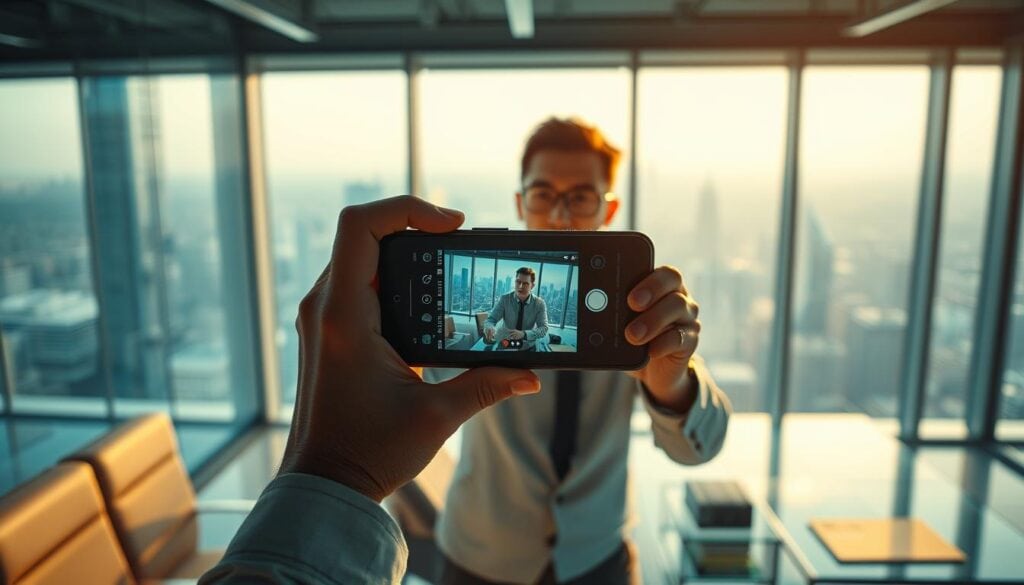
Smartphones let individual reporters move quickly and shoot less intrusive interviews, which often yields more authentic moments. Citizen journalists and professionals now compete in the same attention economy; that competition is one reason traditional broadcasters are adopting mobile-first tactics.
Marc Settle of the BBC summarizes the operational pressure driving the change: “Shrinking budgets and growing demands create a conundrum that mobile journalism directly addresses.” Use this shift as an opportunity to train reporters in both technical skills and story judgement so device capability translates into publishable content.
Key Components of a Mobile Journalism Kit
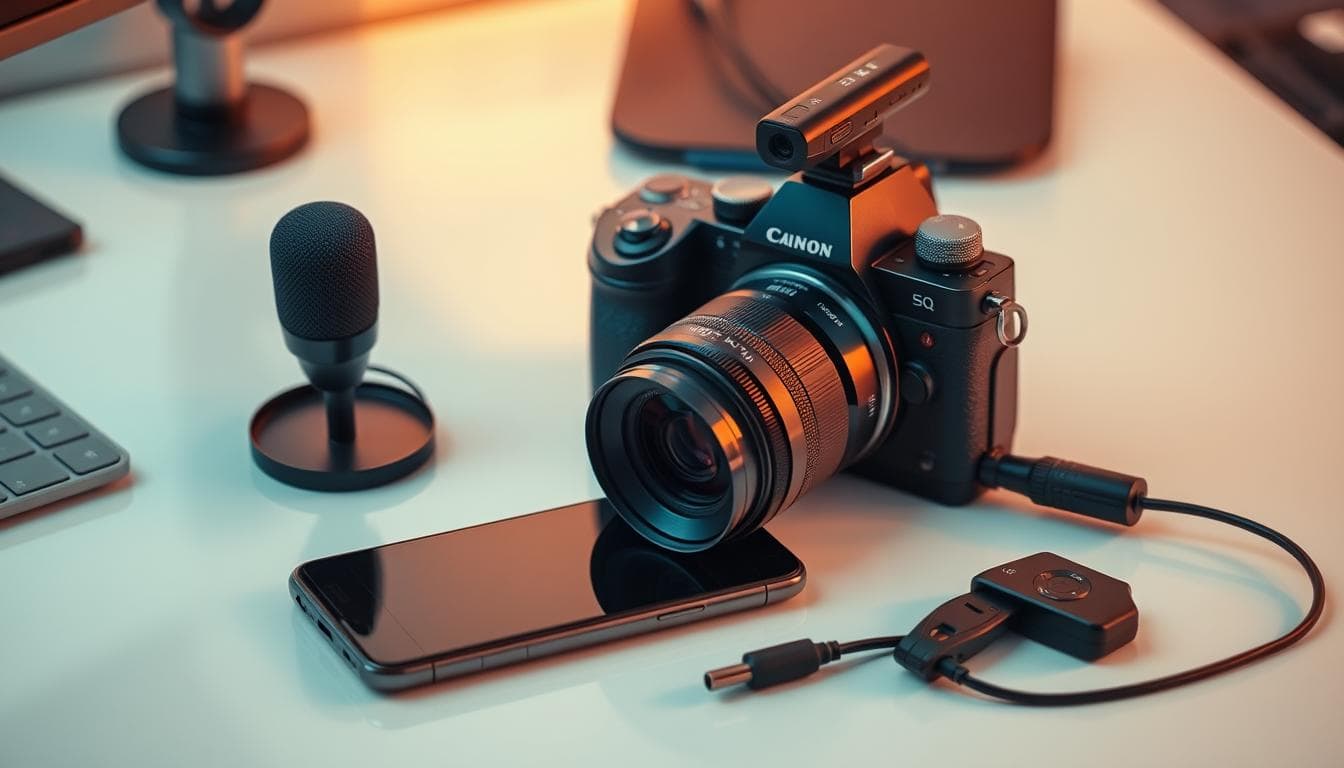
Turn a capable smartphone into a field-ready video system by prioritizing the few components that most impact perceived quality: audio, stabilization, and lighting. Buying the right combination of affordable accessories delivers bigger gains than buying a single expensive item.
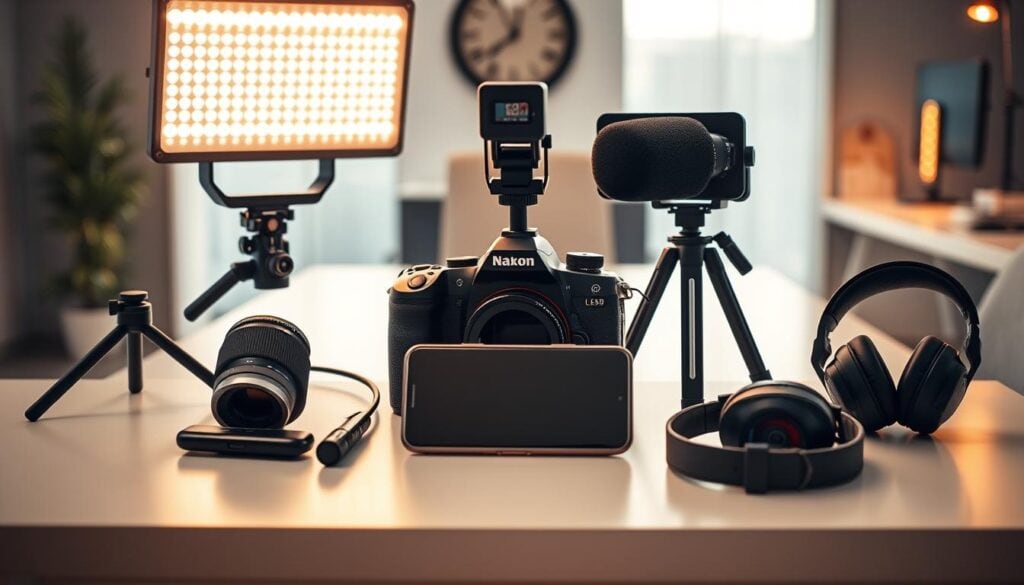
Audio, Video, and Lighting Essentials
Start with audio: external microphones noticeably improve signal‑to‑noise ratio compared with built-in phone mics—manufacturer specs and independent tests show wired lavalier and shotgun mics reduce background noise and boost clarity (see Rode product pages for examples).
Stabilization comes next. A small tripod handles interviews and static shots; a handheld gimbal smooths moving coverage and makes walking shots usable for broadcast. These two items cover the majority of real-world shooting scenarios.
Lighting extends usable shooting windows. A compact LED panel (bi‑color, ~10–20W class) lets you keep ISO lower and avoid grain in indoor or low-light scenes; even a small light can gain you 1–2 stops of usable exposure.
Smartphone Accessories for Stability and Control
Rigs and mounts let you combine mic, light, and phone into a single handheld system with cold‑shoe points for quick swaps. For interviews, a simple phone rig plus tripod often beats an expensive gimbal in reliability and setup speed.
Cables, adapters (TRS vs TRRS, Lightning vs USB‑C), and a reliable power bank are part of the core kit—power management is mission-critical for all‑day reporting. Carry spare cables and at least one 20,000mAh power bank to recharge phone, mic transmitters, and lights between shoots.
Buyer’s note: prioritize in this order—1) external audio (lavalier or shotgun), 2) tripod/rig for stable framing, 3) a small LED light, then gimbal and expanded audio systems as needs grow.
Mobile Journalism Kit Must-Haves for Journalists
Achieving broadcast-ready smartphone footage hinges on three priorities: clear audio, reliable stabilization, and effective lighting. Below you’ll find starter options and a practical buying order so you spend on what moves the needle first.
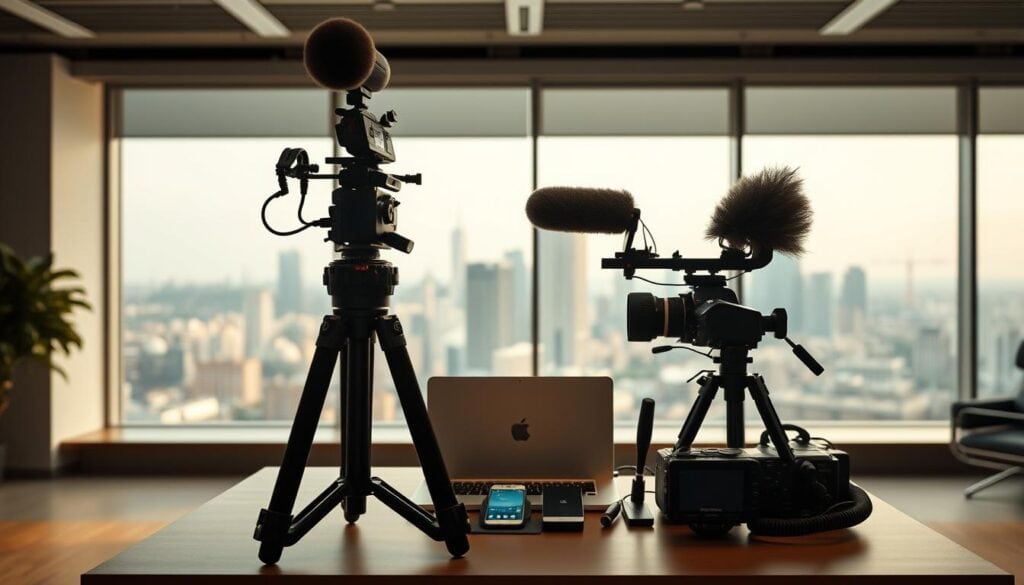
Your investment strategy depends on how you shoot. Entry-level creators can use bundled kits, while pros often buy components to match specific workflows. A practical purchase path: start with audio and stabilization, then add lighting and expanded power solutions.
| Kit Option | Key Components | Best For | Price Range |
| Movo PR-2-PM | Phone rig, shotgun mic, LED light | Basic video production | $39.95 |
| Movo VXR10+ | Video rig, microphone, tabletop tripod | Interview setups | $69.95 |
| DJI Osmo Mobile 6 | Gimbal stabilization | Dynamic movement | $140 |
| Rode VideoMic GO II | Shotgun microphone | Noisy environments | $99 |
| Comica BoomX-D2 PRO | Wireless lavalier system | Professional interviews | $180 |
Starter recommendation: pair your phone with an affordable lavalier (e.g., Movo PM10) and a small tripod to cover the majority of on-camera interviews. Add a compact LED panel and portable power bank next—these three upgrades (mic, tripod, light) yield the fastest quality improvements for most reporters.
Note on prices and specs: product pages from manufacturers provide current details—see DJI’s listing for Osmo Mobile 6 for specs and MSRP (https://www.dji.com/osmo-mobile-6). Adjust purchases to your phone model and connector type (Lightning vs USB‑C) to avoid compatibility issues.
Pro Tips for Capturing High-Quality Content on the Go
The difference between amateur and professional smartphone footage is often technique, not gear. Apply disciplined shooting habits to get usable video under tight time and budget constraints.
Quick shot checklist: wide to establish, mid to show interaction, close for emotion. Use those three building blocks on every story to create edit-friendly coverage.
Choosing the Right Smartphone Camera and Mic
Understand your phone’s strengths and limits: know its dynamic range, low-light behavior, and which lens you should use for each shot. Follow the three-perspective rule: for each moment, capture eye-level, low-angle, and a tighter detail or close-up to give editors choices.
Effective Stabilization Techniques
Stability matters more than resolution. Start with body mechanics before investing in expensive gear: keep elbows tucked, breathe steadily, and use your legs to move rather than your arms. For static interviews use a tripod; for walking or following action, a gimbal noticeably smooths motion—manufacturers and independent tests document measurable improvements in frame stability.
Practical setups: a small tabletop or monopod for tight spaces; a compact tripod for sit-down interviews; a handheld gimbal for run-and-gun coverage. When you must go handheld without a gimbal, brace the phone against your chest or use a two-handed grip and minimal movement.
Final tip: lock exposure and focus when possible, and avoid unnecessary zooms or rapid pans—controlled, minimal motion reads better on small screens and reduces the need for stabilization in post.
Integrating Mobile Tools into Your Reporting Workflow
Good hardware only takes you so far—apps and cloud services complete the system by providing manual controls, reliable upload paths, and quick editing tools that turn raw clips into publishable content.
Using Mobile Apps and Live Streaming Platforms
Stock camera apps often hide critical settings. Professional camera apps expose controls like ISO, shutter speed, and white balance so you can lock consistent exposure across shots. Filmic Pro, for example, offers manual exposure, focus peaking, and log gamma options—see Filmic Pro’s feature list for details.
| Application | Platform | Key Feature | Price |
| Filmic Pro | iOS/Android | Manual exposure & focus tools (best for capture) | Check vendor for current pricing |
| BlackMagic Camera | iOS | DaVinci Resolve integration (capture to post) | Free |
| LumaFusion Pro | iOS/Android | Multi-track editing (best for mobile editing) | Check vendor for current pricing |
| Adobe Premiere Rush | iOS/Android | Cross-device workflow (best for desktop handoff) | Free / subscription options |
Use Filmic Pro (capture), LumaFusion (edit), and Ferrite (audio editing) as a typical on-the-go toolchain: capture with manual controls, assemble story pages in a mobile editor, and use cloud storage for immediate backups and team review. Update app prices from vendor pages before purchase.
For live reporting, choose a streaming platform with local points of presence to reduce upload latency and pair it with a managed cellular bonding service if you need broadcast reliability. Finally, integrate cloud storage (auto-upload) to avoid losing footage and to speed collaboration across a newsroom.
In-Depth Reviews of Top Mobile Journalism Equipment
Audio quality often determines whether an editor uses your footage. Below are realistic recommendations for common interview formats and run‑and‑gun scenarios, with concise pros and cons and notes on limitations like battery life and compatibility.
Highlighting Lavalier Microphones and Handheld Options
The optimal mic depends on format. For single-subject sit-down interviews, a wired lavalier is the most reliable low-cost choice. For on-the-move or multi-subject interviews, wireless lavalier systems give freedom of movement but add complexity (battery management, channel pairing).
- Movo PM10 (wired lavalier) — Very affordable and simple; pros: low cost and plug‑and‑play for many phones with the right adapter. Cons: lower durability and variable clip quality; may need TRS/TRRS adapter depending on phone. Verify current pricing and compatibility before buying.
- Movo LINGO-DUO (dual wireless) — Pros: dual-channel receiver for two subjects at once; budget-friendly. Cons: limited range and less RF robustness than pro broadcast systems; check battery life and smartphone adapter needs.
- Comica BoomX‑D2 PRO (wireless) — Pros: designed for interviews with solid audio quality and dual-channel support; often better reliability than lower-cost alternatives. Cons: still not a replacement for high-end broadcast wireless in congested RF environments and may require firmware updates for full compatibility.
- Movo HM‑M2 (handheld omnidirectional) — Pros: good for presenter pieces-to-camera; simple handling. Cons: omnidirectional pickup can capture more ambient noise in crowded locations.
Comparing Smartphone Video Kit Setups
Match microphones to environment: use a shotgun (directional) mic outdoors or at events to reject off-axis noise, and lavaliers for natural dialogue in quieter settings. Rode provides detailed specs for shotgun mics like the VideoMic GO II—see Rode’s product pages for frequency response and mounting notes.
| Microphone System | Best Use | CasePrice (appro x.) | Key Pros | Key Cons |
| Movo LINGO‑DUO | Dual-person wireless interviews | $120 | Dual-channel on a budget; compact | Moderate range; potential interference in busy RF areas |
| Comica BoomX‑D2 PRO | Professional interviews | $180 | Reliable pairing; broadcast-style features | Not as robust as high-end broadcast systems; firmware issues reported occasionally |
| Movo WMX‑7‑TH+RX | Budget wireless operation | $40 | Extremely affordable; cable-free | Limited range and fewer features |
| Rode VideoMic GO II (shotgun) | Noisy event coverage | $99 | Directional pickup; good for camera-mounted use | Requires proper mount and may need adapter for some phones |
Adapter note: many phone-to-mic issues come down to connector type (TRS vs TRRS) and phone ports (Lightning vs USB‑C). Always check compatibility and whether you need a dedicated interface or adapter cable.
Real limitations to call out: wireless kits can suffer in crowded RF environments and have finite battery life; shotgun mics may need windscreens outdoors; cheap lavaliers can be fragile. Plan for redundancy: spare batteries, cables, and a simple handheld or wired lavalier as fallback.
Sources and specs: confirm up-to-date specs and compatibility on manufacturer pages (for example, Rode’s product pages list technical details for the VideoMic GO II).
Conclusion
Mobile journalism is now an established way for newsrooms and independent reporters to produce timely, multi-platform video without the cost and logistics of traditional crews. Focus first on acquiring reliable audio and basic stabilization—those two upgrades deliver the largest, quickest gains in perceived quality.
Train deliberately: publish one short story per week for six weeks to convert equipment into repeatable skills. Then add a small LED light and expanded audio options as your workflow demands grow.
Recommendation: buy a quality lavalier and a compact tripod first—those two items will improve interviews and on-camera pieces most immediately.